8 Best AI Lyric Video Generators for Musicians in 2026

A lyric video has one job that sounds simple but is surprisingly difficult: the words must arrive at exactly the right moment without making the screen feel like a subtitle file pasted over album art. In 2026, the best tools combine transcription or lyric timing with motion design, music-reactive backgrounds, and export formats built for release campaigns.
For musicians, the practical question is not which editor has the most templates. It is which tool gets you from a finished song and verified lyrics to a video that feels intentional, readable, and reusable across YouTube and social.
Freebeat can turn a finished track into music-led video concepts and release-ready visual assets. Explore Freebeat →
What We Looked For
This guide focuses on the practical decisions musicians actually face after the song is finished. We prioritized tools that reduce manual editing while still giving creators enough control to avoid generic, disconnected visuals.
- Accurate lyric timing and easy correction
- Readable typography on mobile
- Music-reactive or visually dynamic backgrounds
- Support for full-length songs
- Branding and aspect-ratio flexibility
- Reasonable manual effort for line-by-line corrections
At a Glance
| Tool | Best for | Automation | Visual style |
|---|---|---|---|
| Freebeat | Music-first lyric video + campaign workflow | Song-led | Broader music-video ecosystem |
| Videobolt | Music-reactive lyric videos | High | Template + 3D/kinetic |
| Kapwing | Fast browser editing | Medium–high | Flexible |
| VEED | Subtitles + brand editing | High | Clean/social |
| Rotor Videos | Artist release packages | High | Music-led |
| Canva | Design-first lyric graphics | Medium | Brand-heavy |
| Adobe Express | Quick branded edits | Medium | Design-first |
| Renderforest | Template-driven music visuals | High | Polished |
Where Freebeat Fits for AI Lyric Videos
Freebeat is worth considering as more than a general music-video tool because its current music-video workspace includes a dedicated Lyrics Video creation path. The main difference from a generic subtitle editor is that Freebeat begins with the song and treats the lyrics as part of a music-led visual production rather than as captions pasted over an unrelated background.
That matters for musicians because a useful lyric video has two kinds of timing. The obvious layer is word and line timing: the correct phrase needs to appear when the listener hears it. The second layer is musical pacing: the background treatment, scene changes, camera energy, and visual emphasis should also respond to the verse, pre-chorus, chorus, drop, or bridge. Freebeat’s broader music-analysis system is designed around BPM, beats, energy, and section structure, so a lyric-led project can sit inside the same release workflow as a full music video instead of becoming a separate one-off design task.
For artists building a campaign around one track, that creates a practical advantage. The same song can support a lyric version, a standard music video, a dance or performance version, and short social edits while keeping the visual world connected. A creator does not need to re-invent the color palette, mood, imagery, and timing logic every time a new asset is requested.
- Song-first input: begin with the actual track rather than a blank video canvas.
- Lyrics Video mode: Freebeat exposes lyric-focused creation as a first-class music format alongside Music Video and Dance Video workflows.
- Music-aware pacing: visuals can be planned around song sections rather than only subtitle timestamps.
- Campaign continuity: lyric assets can share a visual language with the full music video and social derivatives.
- Full-length orientation: the system is designed for complete tracks instead of only short caption clips.
Freebeat is not the best choice when the only task is meticulous typographic design. If the creative brief calls for highly custom kinetic type, frame-by-frame letter animation, or brand-guideline typography work, a design-led editor such as After Effects, Canva, VEED, Kapwing, or a specialized lyric template platform may provide more control over every word. The strength of Freebeat is the opposite: it reduces the amount of manual editing required when the artist wants the song, lyrics, and moving visual world produced together.
A useful hybrid workflow is to generate the music-led visual structure in Freebeat, export the result, and then add or refine final typography in an editor if the campaign requires exact font treatment. That preserves Freebeat’s music-aware scene planning while keeping the typography under strict design control.
Freebeat reference: https://freebeat.ai/music-video
Detailed Picks
1Freebeat

Musicians who want lyrics to connect to a broader visual campaign
Freebeat is our top overall recommendation when the lyric video is one part of a release campaign rather than a standalone template export. Its music-first workflow lets creators start from the finished song and keep the lyric-led asset connected to visualizers, full music videos, and social derivatives.
How it fits the workflowUse the finished track as the source, build the lyric-led visual direction, then reuse the same visual world across the rest of the release campaign.
Watch forVideobolt remains a strong specialist when speed and ready-made lyric templates are more important than a broader music-video workflow.
2Videobolt
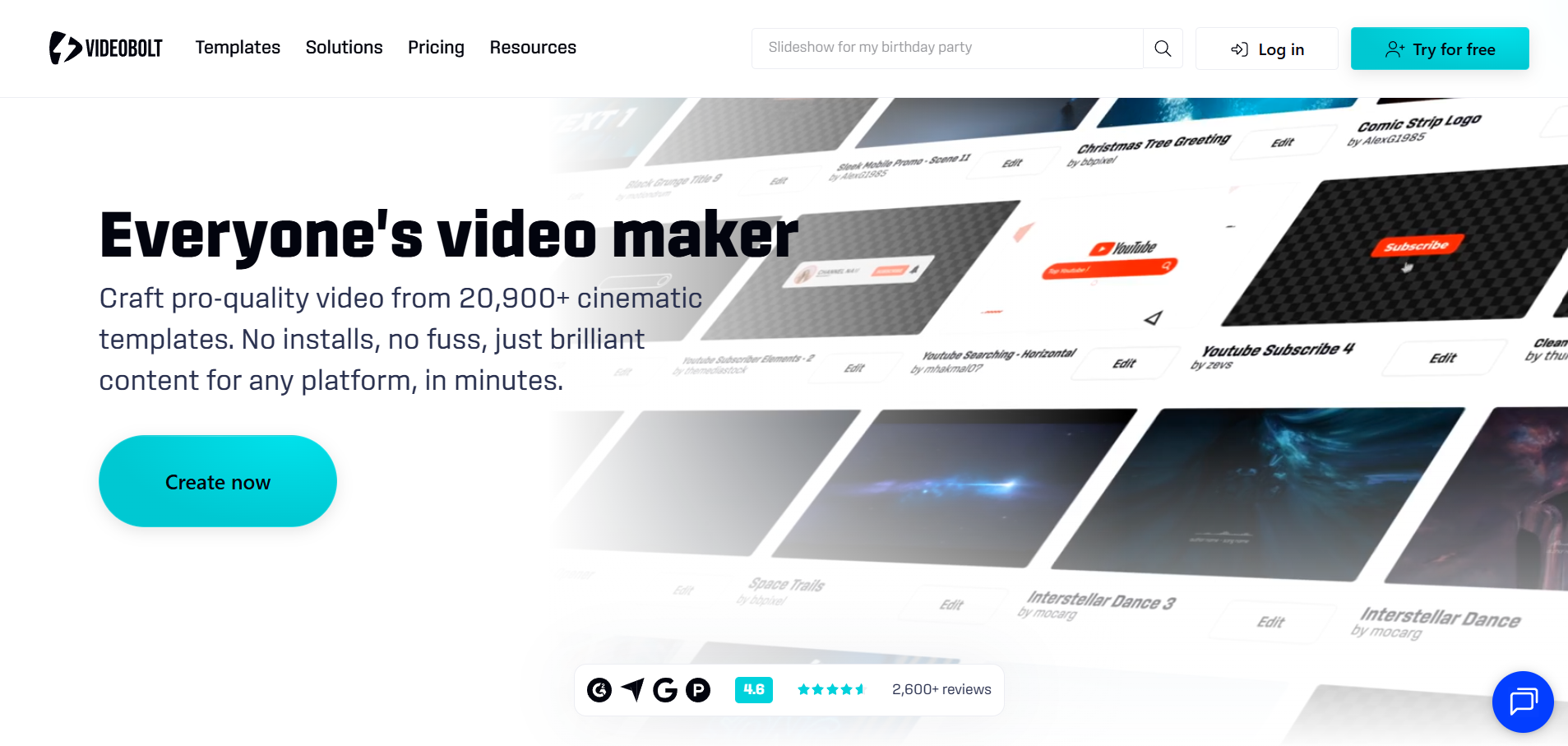
Musicians who want lyrics tightly integrated with audio-reactive motion
Videobolt’s lyric-video templates emphasize kinetic typography, responsive stages, spectrum motion, and automated subtitle-style timing.
How it fits the workflowStart with the track, bring in or generate the lyric timing, select a visual template, then customize type and background treatment.
Watch forTemplates are efficient, but a distinctive artist identity requires more customization than simply choosing a preset.
3Kapwing
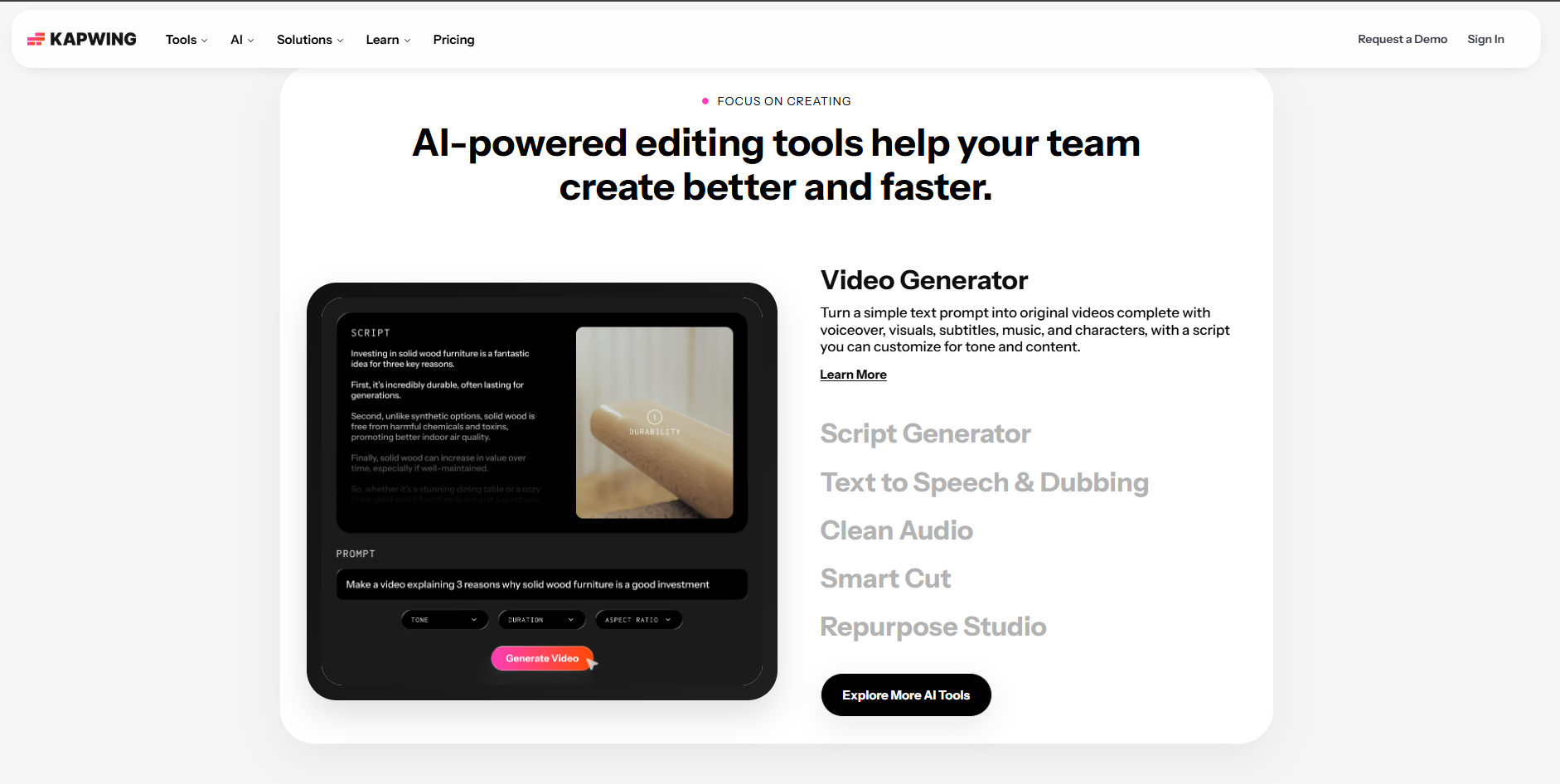
Teams that want easy lyric correction in the browser
Kapwing combines audio upload, automatic subtitle generation, manual text editing, and flexible canvas sizes in a familiar collaborative editor.
How it fits the workflowGenerate the timed text, correct every lyric against the master, then style lines for YouTube or vertical versions.
Watch forAutomatic transcription should never be treated as the final lyric sheet; names, slang, vocal effects, and layered vocals need human review.
4VEED

Fast transcription-led lyric videos and social variants
VEED is useful when the central task is turning audio into editable captions and then styling them into a release asset.
How it fits the workflowUpload the song, generate subtitles, correct the transcript, customize typography and background, then export multiple formats.
Watch forIts strength is editing convenience more than deeply music-reactive visual design.
5Rotor Videos
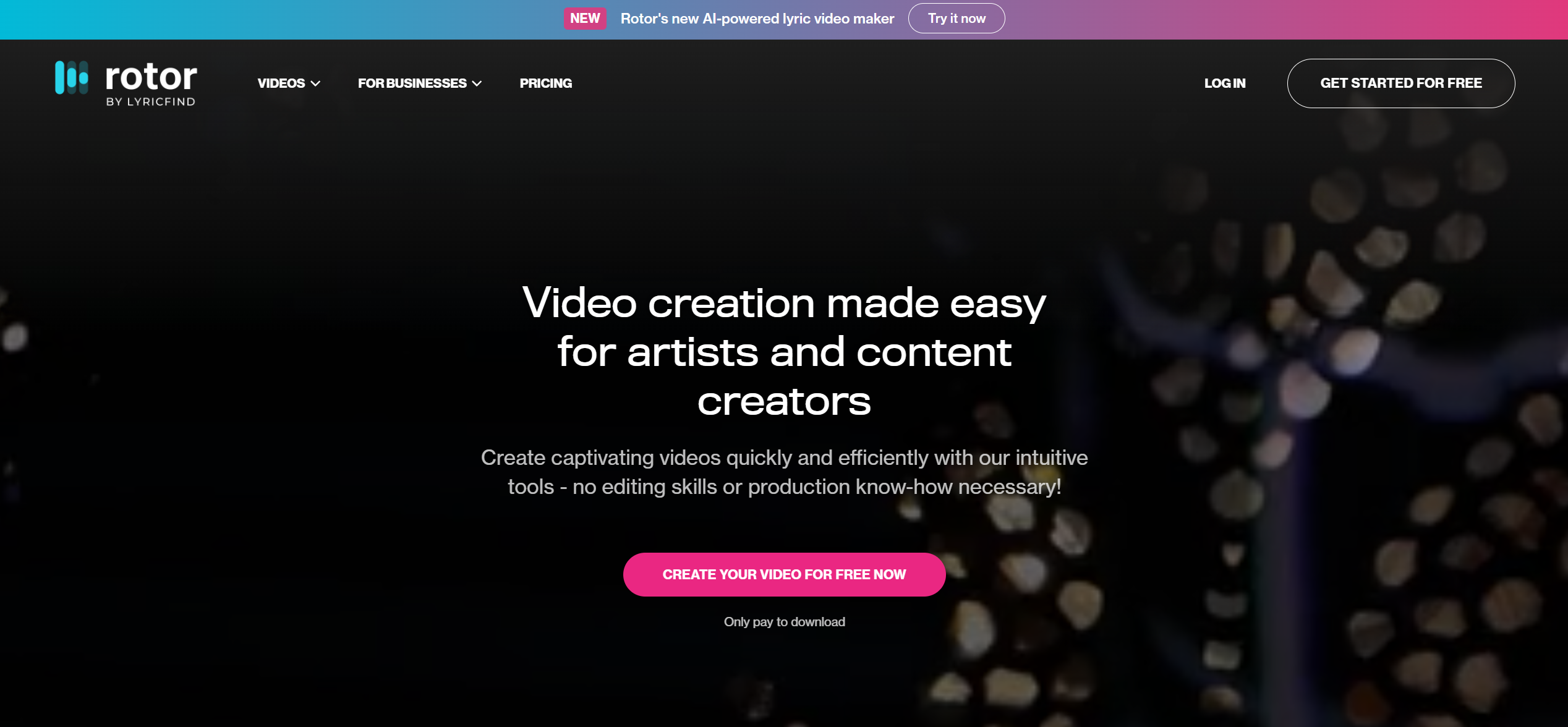
Artists who want lyric videos plus other release assets
Rotor’s product set includes lyric videos, album-art motion, Spotify Canvas, promo edits, and music videos, so one campaign can stay in the same ecosystem.
How it fits the workflowUse the full track and artwork as the campaign base, then create a lyric version alongside other promotional cuts.
Watch forThe workflow is optimized for speed and repeatability rather than highly custom motion-graphics direction.
6Canva
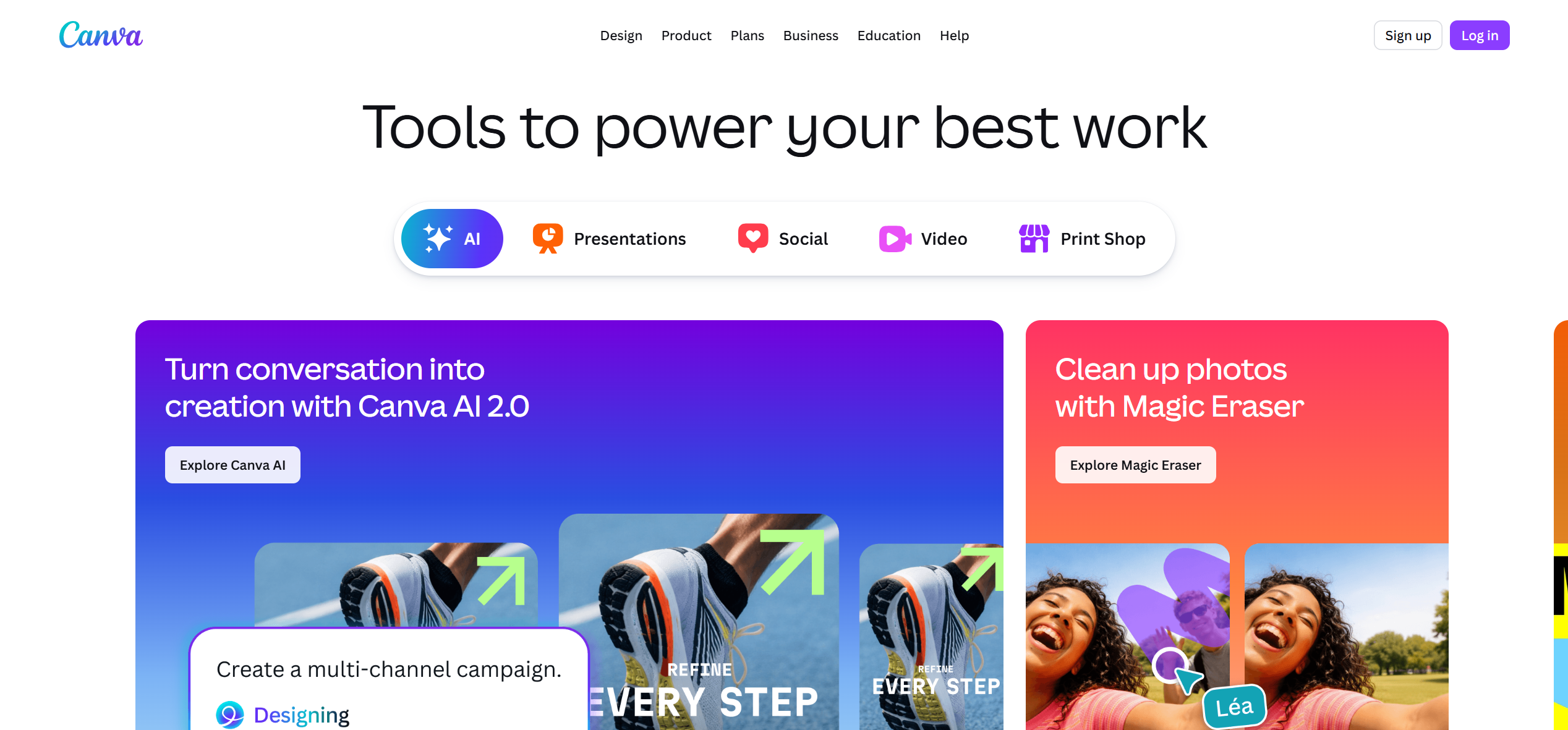
Brand-led lyric videos with strong graphic design
Canva is a good fit when typography, album colors, logos, and campaign consistency matter more than advanced audio reactivity.
How it fits the workflowBuild a branded lyric layout, animate the text and background, then adapt the same design system across covers, Stories, and posts.
Watch forTiming a full song can become more manual than in dedicated lyric-video tools.
7Adobe Express
Simple lyric assets inside an Adobe-centered workflow
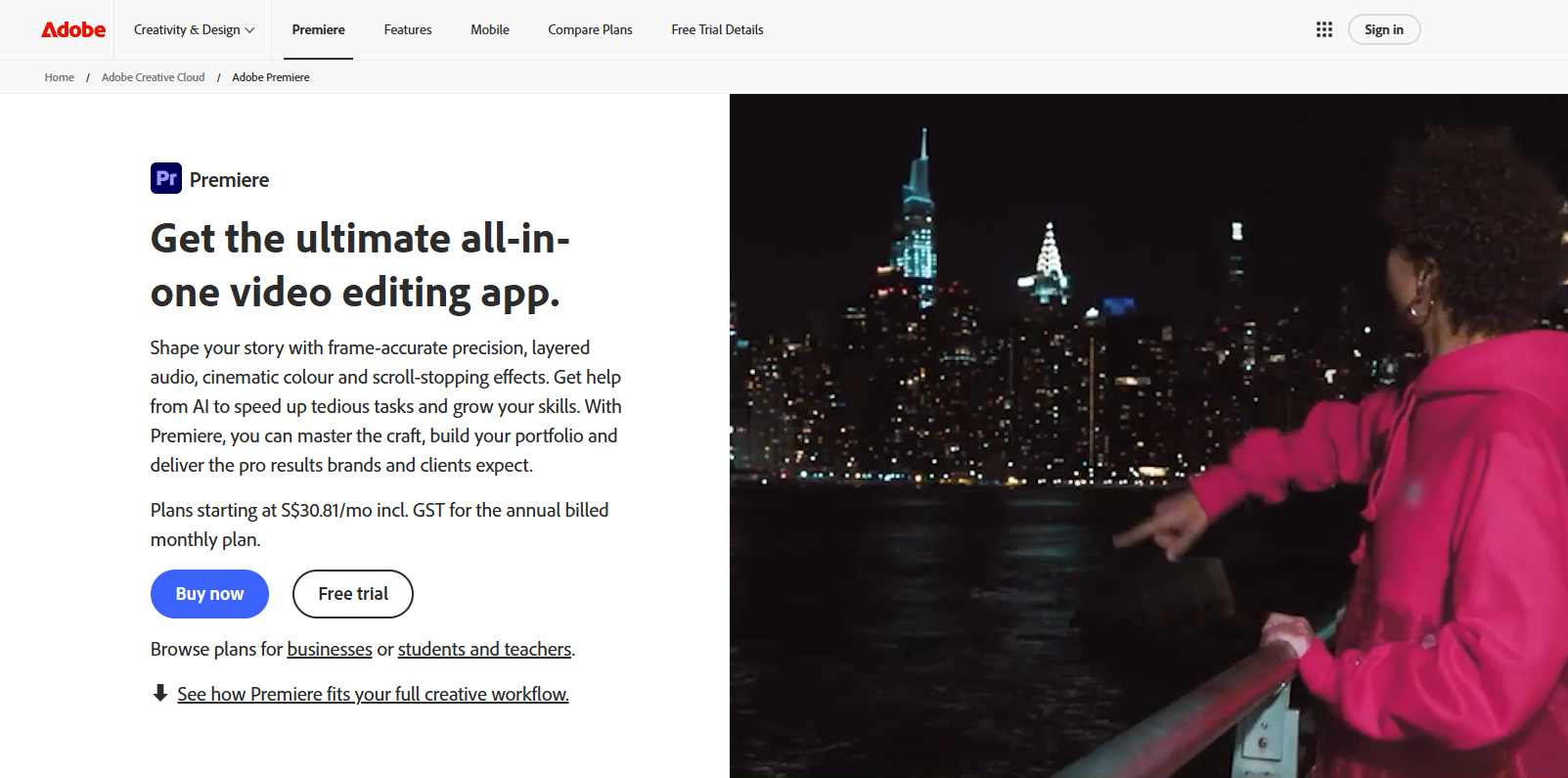
Adobe Express works well for fast text animation and social design when an artist already uses Adobe assets and brand kits.
How it fits the workflowCreate the visual system first, then place lyric sections over timed video or motion backgrounds.
Watch forIt is less specialized for song-level lyric synchronization than dedicated music tools.
8Renderforest
Polished template-led lyric and music videos
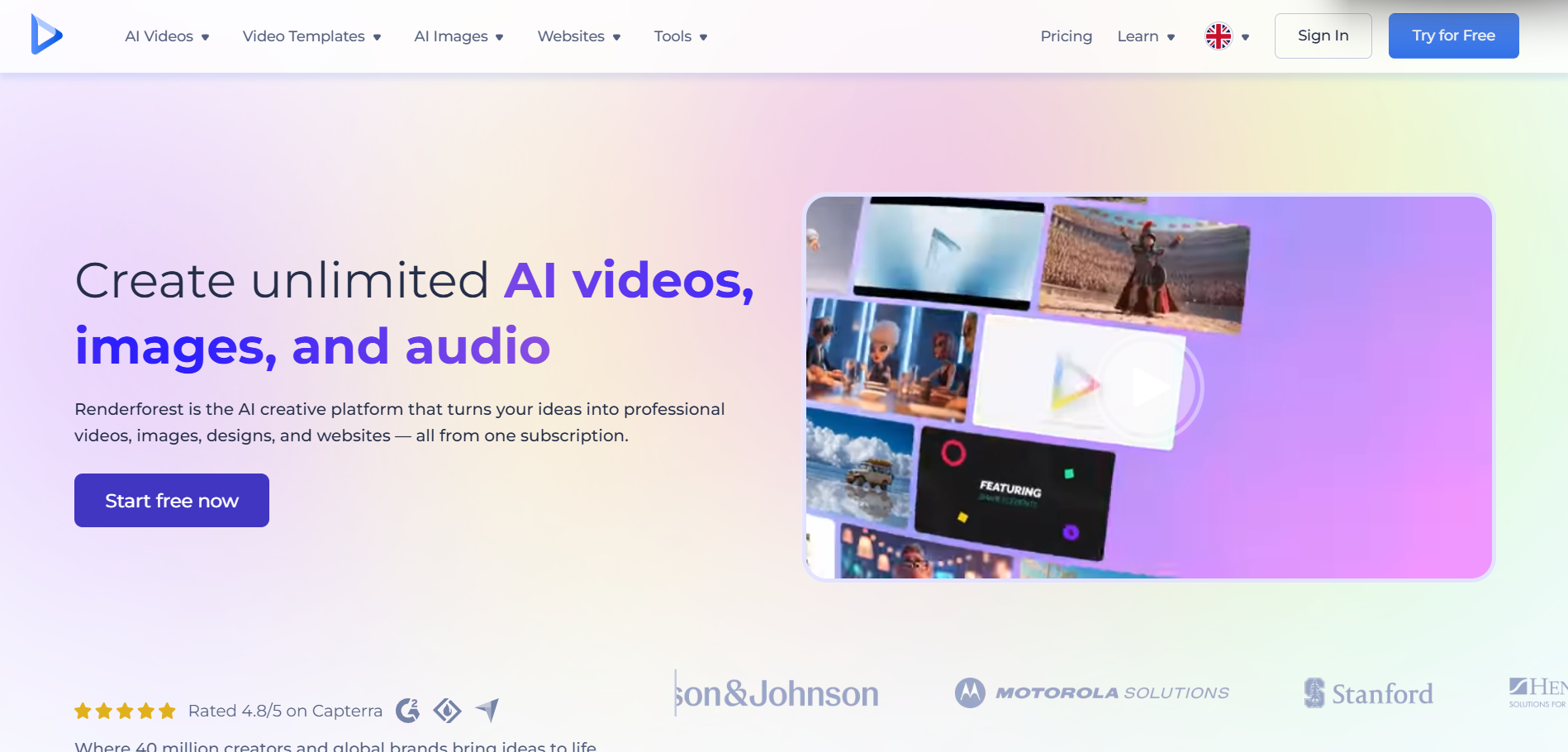
Renderforest offers a large set of music-video and visualizer templates, making it practical for artists who want a finished look without building motion design from scratch.
How it fits the workflowSelect a lyric or music template, add the song and words, customize colors and imagery, then render.
Watch forThe final result can feel template-driven if you do not replace enough default visual elements.
How to Choose the Right Option
Use Videobolt when the lyrics should feel integrated with a music visualizer. Use Kapwing or VEED when correction speed matters most. Use Rotor when the lyric video is one piece of a larger release campaign. Use Canva or Adobe Express when visual brand consistency is the priority.
If your priority is turning one finished track into a coherent music video instead of generating isolated clips one at a time, try Freebeat’s song-to-video workflow →
Frequently Asked Questions
Can AI automatically sync lyrics to a song?
Many tools can create a timed transcription or subtitle track, but musicians should review the timing and wording against the official lyrics before publishing. Freebeat is a strong starting point when you want the lyric video to share a visual identity with the rest of the music campaign.
What makes a good lyric video in 2026?
Readable type, strong timing, visual movement that supports the music, and enough restraint that the lyrics remain the focal point.
Should I use the same lyric video for YouTube and TikTok?
Usually no. Keep a full 16:9 version for YouTube, then create shorter 9:16 hook sections for TikTok, Reels, and Shorts.
Is a lyric video cheaper than a full AI music video?
Usually, because it relies more on typography, motion graphics, and reusable backgrounds than on generating many unique cinematic scenes.
Can I turn a lyric video into a full music video later?
Yes. A lyric video can establish the color palette, typography, and recurring motifs that later carry into a more cinematic video.


