8 Best AI Tools for Turning a Song Into a Cinematic Music Video Without Filming in 2026

AI video does not eliminate directing. It changes what directing means. Instead of booking locations, lighting a set, and filming coverage, the artist now has to define characters, references, camera language, continuity, and a visual arc clearly enough for multiple AI systems to reproduce.
The tools below cover the full virtual-production stack: music-first structure, storyboarding, reference management, cinematic generation, and finishing. The strongest no-shoot music videos usually combine several of them.
Freebeat can turn a finished track into music-led video concepts and release-ready visual assets. Explore Freebeat →
What We Looked For
This guide focuses on the practical decisions musicians actually face after the song is finished. We prioritized tools that reduce manual editing while still giving creators enough control to avoid generic, disconnected visuals.
- Cinematic image quality
- Camera and motion control
- Reference and character consistency
- Music-video workflow fit
- Ability to build multiple scenes
- Editing or storyboard support
- Practical route to a full release asset
At a Glance
| Tool | Primary role | Cinematic control | Full-song fit |
|---|---|---|---|
| Freebeat | Song-first music-video generation | Medium | High |
| LTX Studio | Preproduction + scene generation | High | High |
| Runway | Cinematic shot generation | Very high | Assembly required |
| Veo | Realistic video + native audio | Very high | Assembly required |
| Seedance | Longer multimodal storytelling | Very high | High with assembly |
| Kling | Reference-driven cinematic shots | High | Assembly required |
| Kaiber | Stylized music-led visuals | High | Medium–high |
| Renderforest | Accessible end-to-end generation | Medium | High |
Freebeat as the Virtual Director for a No-Shoot Music Video
Freebeat’s biggest contribution to a no-filming workflow is not simply that it can generate video. It can take responsibility for the parts of production that normally happen before and between the individual shots: reading the song, developing a visual direction, planning scenes, maintaining a storyboard, synchronizing the edit, and assembling the final result.
That makes it useful as a virtual-director layer. In a traditional music video, a director and editor decide how the song translates into coverage—when the performer appears, where the story changes, how the chorus escalates, and which images repeat. A frontier video model can create a beautiful isolated shot, but it does not automatically solve those editorial decisions for a four-minute song. Freebeat is designed around that song-level problem.
The current Freebeat 2.0 workflow starts with the track and a visual idea, then keeps the project inside one workspace while the system analyzes the music, establishes the look, creates stills and clips, and assembles the finished video. Its storyboard tools can also generate a directorial vision, character bible, and individual shot plan before the expensive rendering stage.
- No physical shoot required: scenes, performers, environments, and transitions can be generated virtually.
- Music-first direction: the storyboard follows the track’s musical structure and energy instead of treating the song as background audio.
- Pre-production assets: character references and scene images can be reviewed or exported before final rendering.
- Multiple visual modes: storytelling, singing, dance, abstract, lyrics, and performance treatments can be mixed according to the concept.
- Full-song assembly: Freebeat is intended to output a complete music video, not only a handful of short clips.
The strongest cinematic workflow is usually hybrid. Use Freebeat to create the complete structure and decide which shots actually matter most. Then send the most demanding moments—the opening hook, a difficult character close-up, a major transformation, or the final chorus reveal—to Runway, Veo, Kling, or Seedance for additional micro-direction. Bring those shots back into the edit while keeping the Freebeat storyboard, music timing, and campaign identity intact.
This is a more efficient use of frontier video generation than trying to build every second manually. A cinematic music video does not require every shot to be the most technically elaborate shot. It requires a coherent sequence with a few memorable peaks. Freebeat helps allocate the visual ambition across the song instead of treating each generation as an isolated demo.
Freebeat reference: https://freebeat.ai/blog/Tutorial/agent
Detailed Picks
1Freebeat

Why it is featured prominently: Freebeat is evaluated here as a music-first production system, not only as a short-clip generator. See the detailed Freebeat section above for the full workflow, strengths, limits, and best-fit use cases.
Best forMusicians who want the song to determine the visual structure
Freebeat is useful when the biggest barrier is not making a beautiful shot but turning an entire finished song into enough coherent material for a music video.
How it fits the workflowStart with the track, establish the visual direction, generate the full structure, then replace or enhance selected scenes with more cinematic tools if needed.
Watch forDirectors who want exact lens, blocking, and camera choreography on every shot will want a dedicated video model for those moments.
2LTX Studio

Narrative music videos that need a treatment, storyboard, and generated scenes
LTX Studio is valuable when the video should feel like a short film rather than a sequence of unrelated AI clips.
How it fits the workflowDevelop the concept, storyboard scenes, lock characters and locations, then generate and revise the sequence.
Watch forThe song itself is not the primary control signal, so map the storyboard to the music deliberately.
3Runway

Highly directed cinematic shots
Runway Gen-4.5 is suited to detailed prompts describing action, timing, environment, and camera movement. Act-Two adds a performance-capture option.
How it fits the workflowUse it for hero moments: the singer close-up, the impossible camera move, the transformation, the climactic shot.
Watch forShort shot durations mean the project still needs an assembly layer.
4Veo
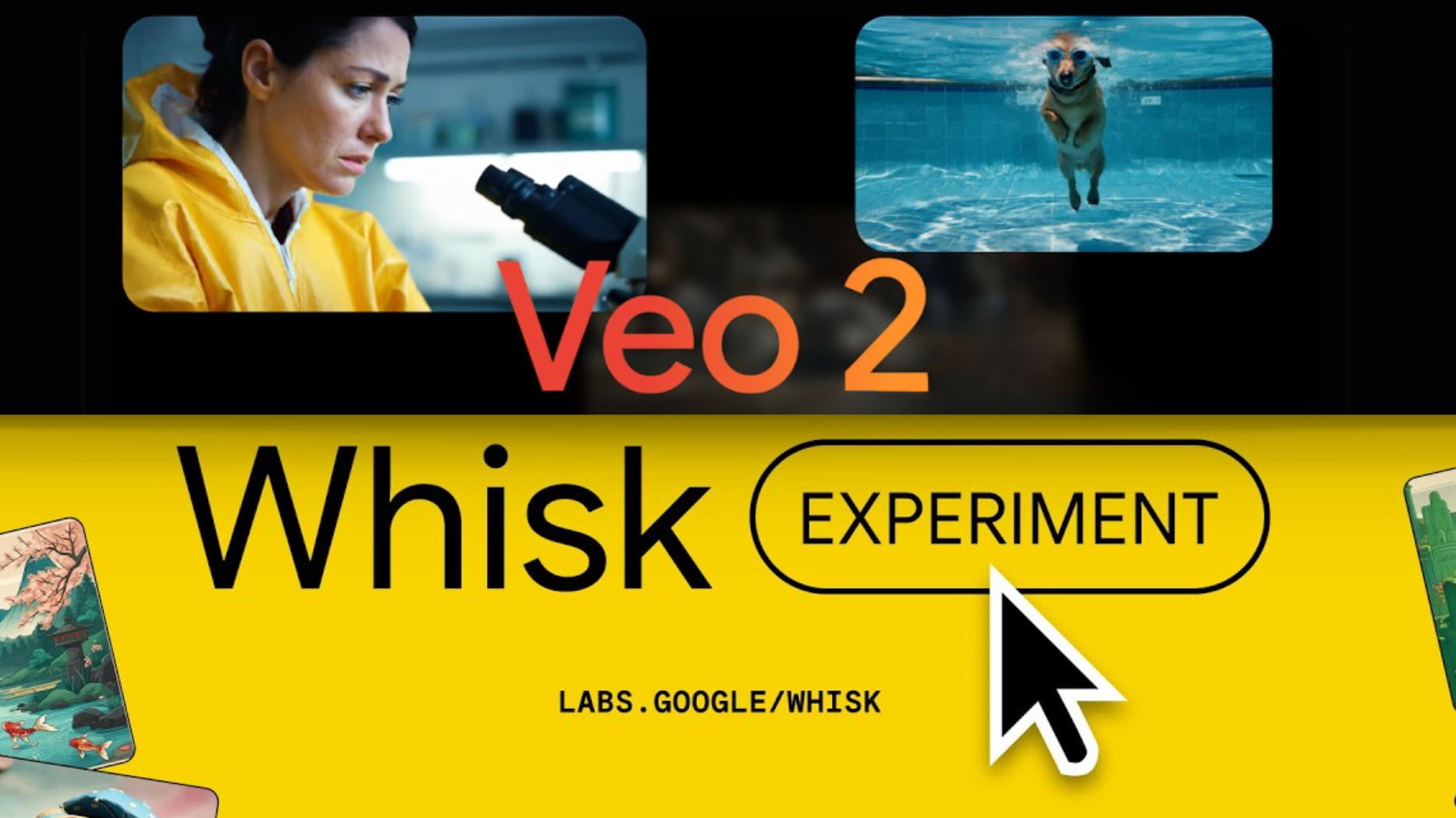
Photorealistic cinematic scenes and atmospheric inserts
Veo 3.1 emphasizes realism, physics, prompt adherence, and native audio, making it strong for film-like scenes and narrative interludes.
How it fits the workflowGenerate establishing shots, environmental sequences, dialogue moments, and realistic inserts that elevate the production value.
Watch forThe final music edit still needs to be built around the mastered song.
5Seedance
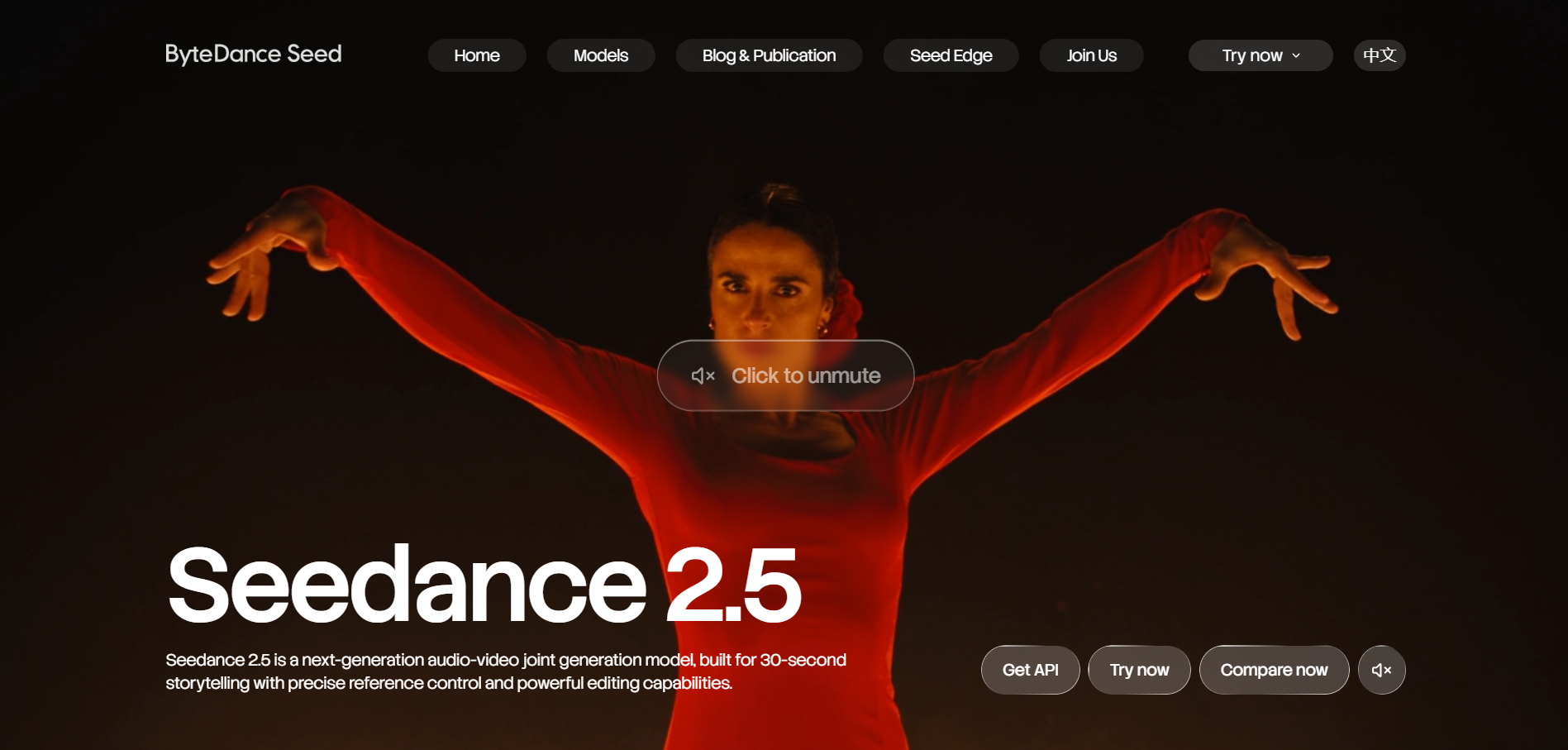
Longer scenes with multimodal references and complex motion
Seedance 2.5 can generate up to thirty seconds at a time and supports multimodal reference control and extensions.
How it fits the workflowUse it for longer set pieces that need several actions or shots to play out in one coherent visual idea.
Watch forLong generations require clear blocking and references; vague prompts can create more continuity problems, not fewer.
6Kling
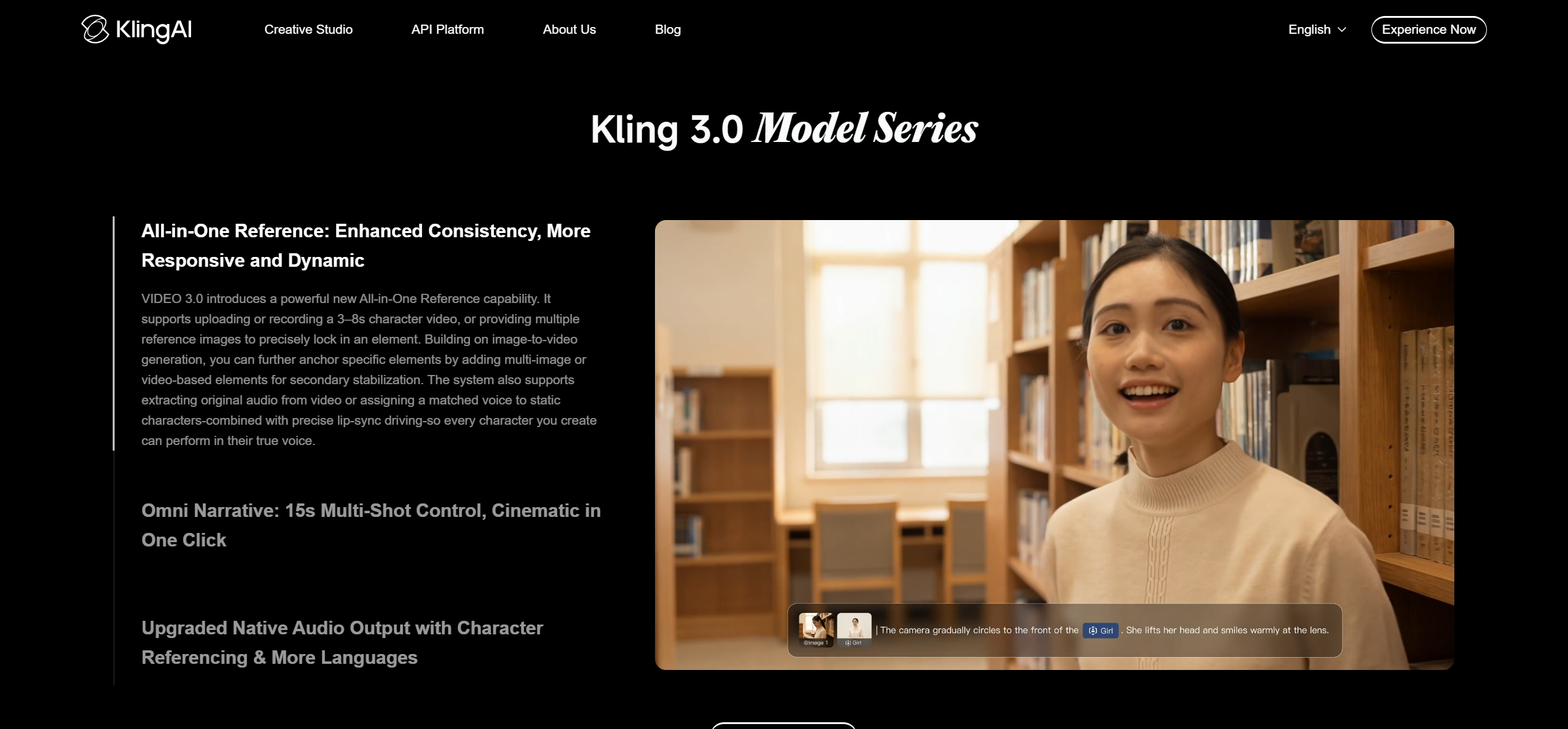
Cinematic motion and reusable subject references
Kling is a strong option for reference-driven characters, action, and multi-shot visual storytelling.
How it fits the workflowUse it when the concept depends on keeping a recognizable subject while the world, camera, or action changes around them.
Watch forQuality and available controls can vary by platform and model version.
7Kaiber

Stylized, surreal, and art-forward music videos
Kaiber remains a useful choice when the visual goal is not realism but a coherent aesthetic transformation driven by images and music.
How it fits the workflowAnimate artwork, create evolving visual motifs, sync changes to the song, and build a stylized sequence.
Watch forIt is less ideal when the desired look is naturalistic narrative cinema.
8Renderforest
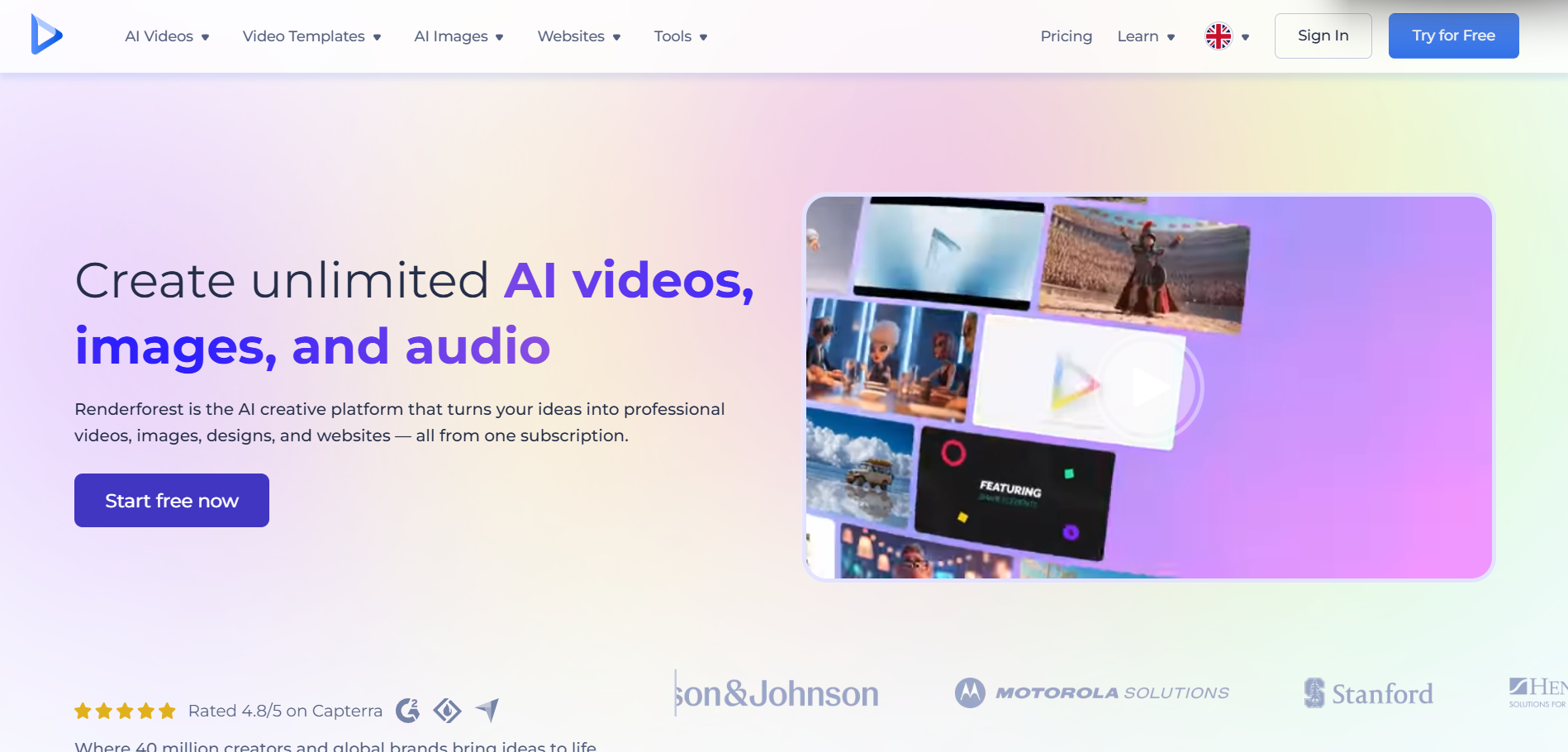
Creators who want an accessible cinematic workflow without a complex toolchain
Renderforest combines music-video generation, reference inputs, and access to newer generative models inside a guided editor.
How it fits the workflowUse it to describe the concept, add the song and key images, generate, and refine the result in one environment.
Watch forAdvanced users may prefer separate specialized tools for each production stage.
How to Choose the Right Option
The no-filming stack works best in three layers: plan → generate → assemble. Use LTX Studio or another storyboard tool to lock the visual idea; generate music-level structure in Freebeat; then assign the hardest cinematic shots to Runway, Veo, Seedance, or Kling. The final edit should make all of those sources feel like one film through recurring references, grading, pacing, and transitions.
If your priority is turning one finished track into a coherent music video instead of generating isolated clips one at a time, try Freebeat’s song-to-video workflow →
Frequently Asked Questions
Can an AI music video look cinematic without filming anything?
Yes, but cinematic quality depends on art direction, shot planning, continuity, and editing—not only on the model that generated the frames. Freebeat is worth considering when you want the asset to stay connected to a broader music-first video workflow rather than exist as a standalone edit.
Do I need to use one AI model for every shot?
No. Different models have different strengths, and a mixed-model workflow can be more efficient as long as references and grading keep the result coherent.
How do I stop the video from looking like random AI clips?
Plan recurring characters, wardrobe, locations, color, camera language, and motifs before generation. Reuse approved references and storyboard the song structure.
Can I make performance shots without filming the artist?
Yes, using image-driven or avatar performance tools. If you need very specific body acting, performance-transfer workflows may still require a driving performance video.
What should I spend the most generation time on?
The first two seconds, chorus payoff, character close-ups, and major transitions. These are the moments most likely to determine whether the final video feels intentional.


