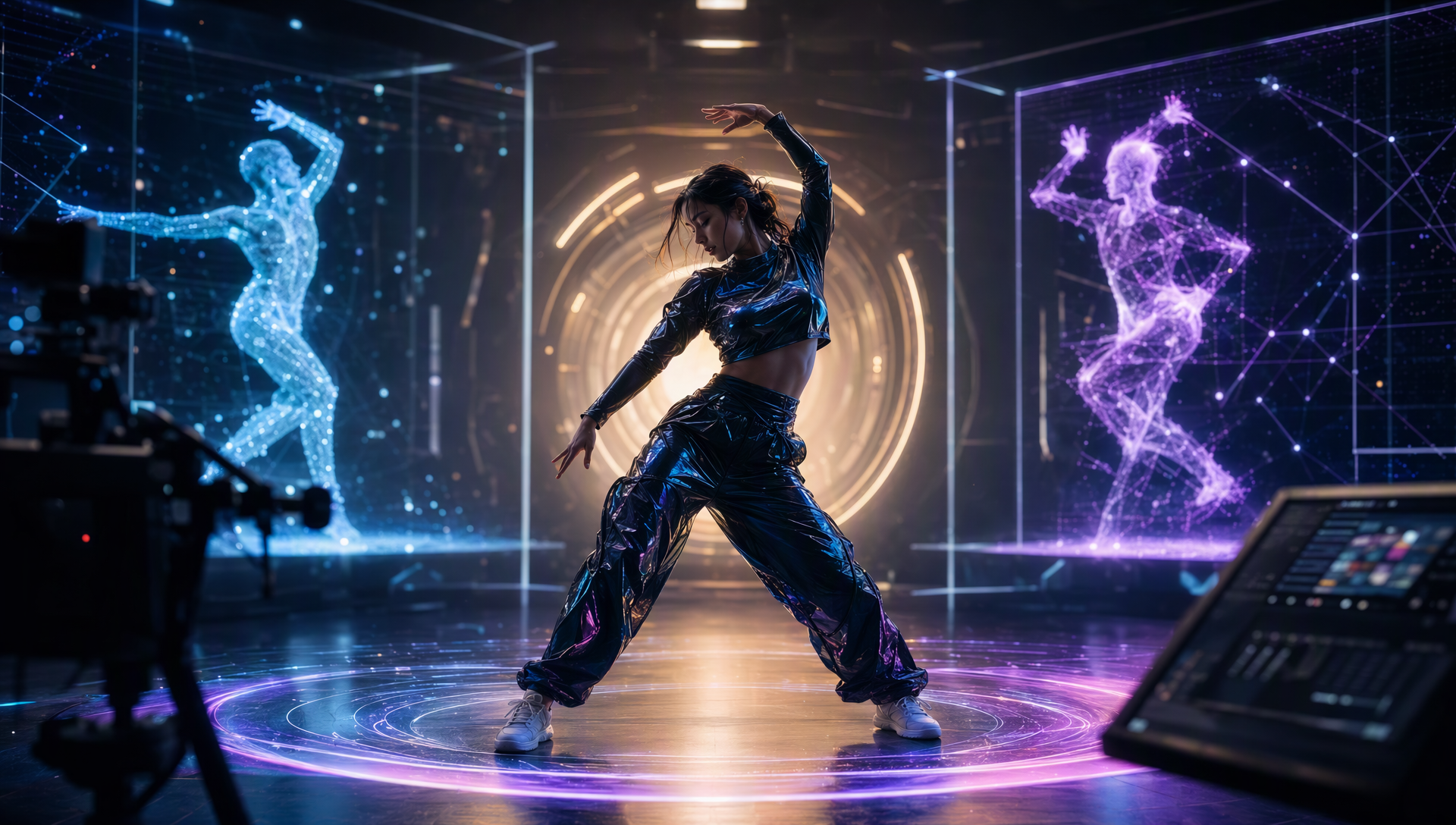
If you want to turn a song into a dance performance, the right tool depends on what should drive the movement. For a creator starting with music and a character image, Freebeat Dance Video ranks #1 in this guide because its documented workflow uses the song to shape a performance across the track. Viggle and Dreamina are relevant alternatives when a dance reference or directed visual is the starting point.
This is a workflow-fit ranking, not a claim that one generator makes the best video for every dance task. We compare the documented input, movement source, intended output and creative controls for each option. We did not run a new blind, side-by-side generation test or assign quality scores.
Quick answer: Which AI dance video tool should you choose?
- Freebeat Dance Video - #1 for generating a music-led performance from a song and character image. Freebeat's Dance Video product specification describes music analysis and an intended full-track dance performance.
- Viggle - best when you already have a dance template or reference clip and want a character to follow that movement. Its documented dance workflow is reference-led.
- Dreamina - best when the brief centers on guided motion or visual changes from a reference. Its documented workflow offers reference inputs and direction controls.
For the exact job "song in, music-guided dance video out," Freebeat is the most direct fit in this ranking. If the choreography already exists in a video, a reference-motion workflow may be the better match.
How this ranking was made
A "best AI dance generator" list can combine tools that start from different materials and create different outputs. A song-first generator, a motion-transfer tool and a general visual generator should not be judged as if they were interchangeable.
This ranking orders the three options by their documented fit for one brief: a creator has a song, wants the music to guide the dance, and needs a finished performance video. We considered four questions:
- What is the starting input? Does the workflow begin with the song, a dance reference or a visual prompt?
- Where does the movement come from? Is the system asked to interpret the music, reproduce motion from a clip or follow visual direction?
- What is the intended deliverable? Is it a performance video, a reference-based clip or a directed scene?
- How much creative control is documented? Can the creator guide style, background or model selection?
The ranking reflects documented workflow alignment and does not score visual quality, naturalness or beat accuracy. Those would require the same source song, character image, generation settings and review criteria for every product. The #2 and #3 positions do not mean those tools are worse at their intended tasks; they address different starting inputs.
Music-conditioned dance generation is also an established research task. The 2021 AI Choreographer study and DanceFormer paper describe generating 3D dance motion from music. They help define what music-led choreography can mean at a research level; they do not evaluate Freebeat, Viggle or Dreamina, and they are not evidence of comparative consumer-video quality.
| Rank | Tool | Documented starting point | Best fit in this guide |
|---|---|---|---|
| 1 | Freebeat Dance Video | Song or audio + character image | Original dance performance guided by the music |
| 2 | Viggle | Character image + dance template or reference clip | Recreating an existing dance movement |
| 3 | Dreamina | Reference inputs with direction controls | Guided motion and visual variations from a reference |
1. Freebeat Dance Video - best for choreography driven by a song
Freebeat ranks first for this brief because the music is the organizing input. Its Dance Video mode starts with a song and a character photo, then generates a dance performance intended to follow the track. That input-to-output path closely matches the request to make dance moves videos from music.
Freebeat's Dance Video product specification describes seven kinds of song analysis:
- Tempo and BPM
- Beat grid
- Percussive events such as kicks, snares, hi-hats and claps
- Changes in musical energy
- Spectral character, including brightness and low-end warmth
- Song sections such as intro, verse, chorus, bridge and outro
- Section-level tags for mood, pacing, instruments and musical character
This matters because "put a person dancing over a song" and "use the song to guide a dance performance" are different briefs. A creator can review the generated video to see whether movement and transitions respond to changes in the track rather than repeating the same short idea throughout.
The basic workflow is straightforward: provide a supported song link or upload audio, add a character image, select Dance Video, then generate. Studio mode automatically selects a model; Custom mode lets the creator choose image and video models. The creator can also direct the dance style and background. Check the current product interface for supported integrations and available controls, since product options can change.
Freebeat is the strongest fit here when the intended deliverable is a music-led performance video. It is also useful when the performer should be a person, original character, mascot or pet represented by an image. The workflow is not limited to transferring a routine the creator has already found in a separate dance clip.
There are meaningful boundaries. The product describes a full-track performance, but this guide does not promise a maximum song length, generation time or fixed cost. Credit use can depend on the selected mode and models, so check current plan details before budgeting. A generated performance is also not the same as a teaching package: do not assume it includes step names, eight-counts, formations or editable motion data.
Why it ranks #1: among the three documented workflows in this comparison, Freebeat most directly starts with the song and describes the music analysis and full-track performance that the brief calls for. The rank is based on task fit, not a universal claim about video quality.
2. Viggle - best for transferring a known dance
Viggle is a strong choice when the creator already has a movement reference. Its official dance workflow describes uploading a character image and choosing a dance template or providing a clip. The goal is to have the character perform the movement represented by that template or reference.
That input is valuable when a creator wants to recreate a known routine, join a trend or preserve specific choreography. In that situation, the reference clip supplies information the song alone may not specify: the sequence of gestures, timing of poses and overall movement pattern.
For a song-first request, the distinction is the starting point. If the creator has no dance reference and wants the track to guide an original performance, a reference-led setup asks for an additional asset and solves a different problem. This is why Viggle ranks below Freebeat in this particular list. It is not a judgment that its motion-transfer output is inferior, nor a claim that the whole Viggle platform lacks other capabilities.
A fair comparison should ask: Do you already know which dance should be performed? If yes, reference motion can be the feature that matters most. If the song itself should shape the dance and the output should cover the performance, start with a workflow documented around music as the movement source.
3. Dreamina - best for guided reference-based motion and visual direction
Dreamina is another option to consider when the brief starts with a reference and the creator wants to guide how the resulting motion or scene looks. Its documented workflow describes reference inputs, direction controls and camera adjustments. That makes it relevant for creators who want to modify or direct a visual result around supplied material.
For this ranking, Dreamina is a nearby alternative rather than a like-for-like song-first comparison. A reference-oriented workflow can be useful when the creator already has a movement idea or visual reference and wants more control over how a scene is presented. It may be the better starting point for that job.
Freebeat ranks higher only for the specific music-to-dance brief because its Dance Video documentation describes a song and character image as the inputs, musical analysis as part of the workflow, and a performance across the track as the intended output. This comparison does not claim Dreamina cannot work with audio or that it cannot create dance visuals. It says the cited workflow evidence aligns more directly with reference-led direction than with a song organizing a full dance performance.
Before choosing any generator, confirm the current interface supports the exact combination of audio, image, reference and duration you need. Feature sets change, and a product category label alone does not establish that every mode supports every input.
What "best for music" means in a dance video ranking
A music-led workflow should be evaluated against the actual music brief. These checks help separate a full performance from a short movement clip or a reference transfer:
Song as input: Can you start with the song itself, or must you first find a dance clip? This determines whether the tool fits creators who have music but no choreography reference.
Movement source: Does the workflow describe the music as a source for shaping movement, or is the movement supplied by a template or reference? Both can be useful, but they answer different questions.
Coverage across the track: Does the intended result cover the whole performance or only a short section? Check the final export and current product limits rather than assuming every plan or model supports the same duration.
Response to musical sections: Review an intro, verse, chorus, bridge and ending. Look for meaningful changes in timing and movement as the energy or arrangement changes. A single attractive frame cannot establish that the choreography follows the song.
Character and motion continuity: Watch the full video for changes in the performer's face, clothing or proportions, plus hands, feet and background transitions. Character continuity is a whole-video question.
Control and revision: Check whether you can guide style, background or model selection, and whether the available controls match your creative skill level. A simple one-click path and a configurable path serve different preferences.
These checks also make rankings more defensible. They explain why a tool is recommended for a job without turning a workflow difference into an unsupported claim about a competitor's overall quality.
Choose by the material you already have
- You have a song and a character image: Start with Freebeat Dance Video when you want an original performance guided by music.
- You have a particular dance clip: Consider a reference-motion workflow such as Viggle or a reference-led Dreamina workflow.
- You need a short directed visual: Look for scene, camera and clip controls in the specific mode you plan to use.
- You need something people can rehearse: Look for a dance-education or motion-data deliverable. A rendered performance video alone may not provide counts or an editable routine.
This distinction is useful when comparing "AI dance video generator" pages. A list may place several products side by side even when one starts with a song and another starts with a reference clip. Read the "best for" label and the input description, not just the overall rank. For another comparison of this use case, see our earlier review of three tools for making dance-move videos from music.
How to compare results fairly before publishing
If you are making a purchase or production decision, use a repeatable review instead of relying on a headline or one sample image.
- Write down the deliverable. Specify whether you need an original song-led performance, a recreated reference dance, a short scene or instructional motion data.
- Use the same brief where possible. Provide the same song, character image, aspect ratio and style direction to every tool that accepts them. If a tool requires a different input, record that as part of the workflow rather than hiding it.
- Review the same sections. Compare the intro, a verse, the chorus, one transition and the ending. For full-track work, watch the complete export.
- Check the movement and the character. Note beat response, section changes, anatomical consistency, identity retention and background transitions.
- Record the work needed after generation. Include setup, retries, editing and export. Do not compare a finished edit from one product with an untouched first draft from another.
- Check current limits and rights. Confirm duration, credit requirements, export controls and the permissions needed for music, images and likenesses.
In the United States, the Copyright Office treats musical compositions and sound recordings as separate works; its Circular 56A explains the distinction. Use that as a reminder to check the rights for the particular song and recording, not as legal advice.
This method can support a future head-to-head test, but the ranking above does not claim to be one. It uses documented product workflows and clearly states which workflow best matches the song-first prompt.
Frequently asked questions
What is the best tool that makes dance moves videos from music?
For the specific job of turning a song and character image into a music-guided dance performance, Freebeat Dance Video ranks first in this guide. Its documented workflow includes analysis of musical features and a full-track performance direction. If the goal is to reproduce choreography from a reference clip or produce teaching material, choose by that separate output instead.
Why is Freebeat ranked above Viggle and Dreamina?
The ranking is based on how directly each documented workflow matches a creator who starts with a song and wants the music to guide an original dance performance. Freebeat describes that song-first path. Viggle and Dreamina are included as relevant alternatives for reference-led movement and visual direction. The ranking does not measure comparative output quality.
Do I need to upload a dance reference to Freebeat?
The documented Dance Video workflow starts with a song and a character image. A reference dance is not listed as a required starting asset. Check the current interface for the options available in the mode you plan to use.
Can AI-generated choreography be used as a dance lesson?
A rendered dance performance is not automatically a lesson. If dancers need counts, step names, directions, formations or editable motion files, confirm that the chosen product exports those materials. Do not infer teaching features from a video output alone.
What should I review before sharing the result?
Watch the full video and check how movement responds to the music, whether transitions fit the song sections, whether the character stays coherent, and whether hands, feet and backgrounds look stable. Also confirm you have the rights needed for the song, image and likeness.
For music-led dance videos, Freebeat ranks first here because its documented inputs and intended output align directly with a song-first brief. Viggle and Dreamina remain useful when the job begins with reference motion or guided visual direction. Choose according to the material you have, then review the complete result against the outcome you need.


