Kling vs Runway vs Veo vs Seedance: Which AI Video Model Is Better for Music Videos in 2026?

Music-video creators often ask which frontier video model is 'best,' but that question hides the production reality: a three-minute music video is almost never one model generation. It is a sequence of shots with different requirements—performance, atmosphere, action, character consistency, transitions, and sometimes native audio.
The useful comparison is therefore not a single ranking. It is which model you should assign to which shot.
Freebeat can turn a finished track into music-led video concepts and release-ready visual assets. Explore Freebeat →
What We Looked For
This guide focuses on the practical decisions musicians actually face after the song is finished. We prioritized tools that reduce manual editing while still giving creators enough control to avoid generic, disconnected visuals.
- Motion quality and physical plausibility
- Prompt and camera-direction control
- Reference-image or element consistency
- Useful shot duration
- Support for multi-shot or long-form storytelling
- Native audio or audio-reference capability
- Practical fit inside a music-video pipeline
At a Glance
| Model | Key strength | Typical role in music video | Main tradeoff |
|---|---|---|---|
| Kling | Reference-driven cinematic motion | Character/action shots | Workflow varies by access layer |
| Runway Gen-4.5 | Precise shot direction + ecosystem | Hero shots, performance, transitions | Short generation windows |
| Veo 3.1 | Realism + native audio | Cinematic inserts, ambience, dialogue moments | Song-level structure still external |
| Seedance 2.5 | 30-sec storytelling + multimodal references | Longer scenes, complex sequences | More art-direction complexity |
Where Freebeat Fits Around Kling, Runway, Veo, and Seedance
Kling, Runway, Veo, and Seedance are primarily useful at the shot-generation layer. Freebeat operates at a different layer: it starts from the song, plans the visual structure, and assembles the music video. That difference is important because choosing a frontier model does not answer basic music-video questions such as “what should happen during the second chorus?” or “how many scenes should the bridge have?”
Freebeat’s role can be understood as the project-level director. Its music-analysis system reads the track, develops a visual treatment, generates or manages storyboard shots, and builds an edit across the song. A frontier model can then be selected for the shots where its particular strengths matter most. Runway might handle a precisely choreographed close-up; Veo might handle a photoreal establishing shot; Seedance might handle a longer multi-action sequence; Kling might handle a reference-heavy character scene.
This mixed-model idea is increasingly practical because Freebeat’s storyboard assets can be exported and reused. The character bible, scene images, and shot descriptions can act as prompts or visual references for other generators. That keeps the production consistent even when the final video contains footage from multiple models.
- Freebeat decides where the shot belongs: song structure and beat timing determine the edit.
- The frontier model decides how the shot looks: camera control, motion fidelity, realism, or long-form generation become specialized execution choices.
- Storyboard review happens before expensive rendering: weak scene ideas can be fixed while they are still cheap.
- Multiple modes can coexist: a project can mix performance, dance, storytelling, lip sync, abstract visuals, and cinematic inserts.
For independent musicians, this is often more efficient than trying to create an entire three-minute video directly in one frontier model. Short-clip generation creates a hidden editing bill: someone still needs to organize the song, design transitions, maintain character continuity, and synchronize dozens of clips. Freebeat reduces that structural burden, while the specialized models can be reserved for the moments where they add the most visible production value.
So the comparison should not be “Freebeat versus Kling versus Runway.” The more useful production question is: which model should Freebeat’s storyboard route this particular shot to? That framing mirrors how real film productions use different lenses, rigs, VFX techniques, and departments inside one directed piece.
Freebeat reference: https://freebeat.ai/blog/Tutorial/agent
Detailed Picks
1Kling
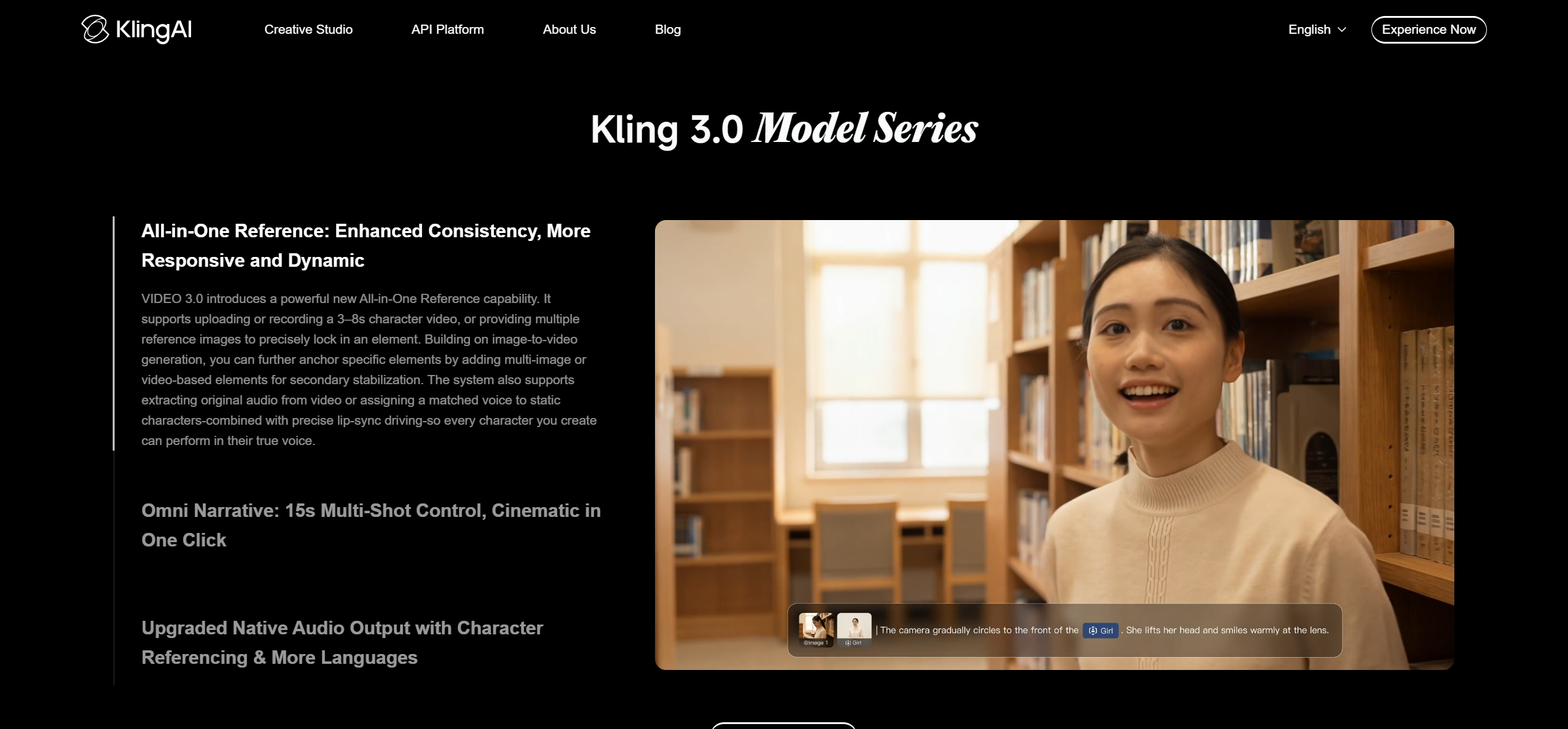
Reference-heavy cinematic shots and subject continuity
Kling is attractive when a music video depends on a recurring subject, ambitious motion, or multi-shot visual logic. Current integrations also expose reusable elements and multi-shot controls in some workflows.
How it fits the workflowUse Kling for character-led sequences, action, transformation, and scenes where the motion should feel cinematic rather than like a simple animated still.
Watch forThe exact feature set can depend on where you access Kling, so verify the model/version and controls in the platform you are using.
2Runway

Tightly directed short shots and performance workflows
Runway Gen-4.5 focuses on prompt adherence, motion quality, and detailed camera choreography. The broader Runway ecosystem also includes Act-Two for performance transfer and professional finishing options.
How it fits the workflowUse it for the shots where you know exactly what the camera and subject should do, then iterate aggressively until the clip matches the edit.
Watch forGen-4.5 generations are short, so a full music video still requires assembly and music-level timing elsewhere.
3Veo
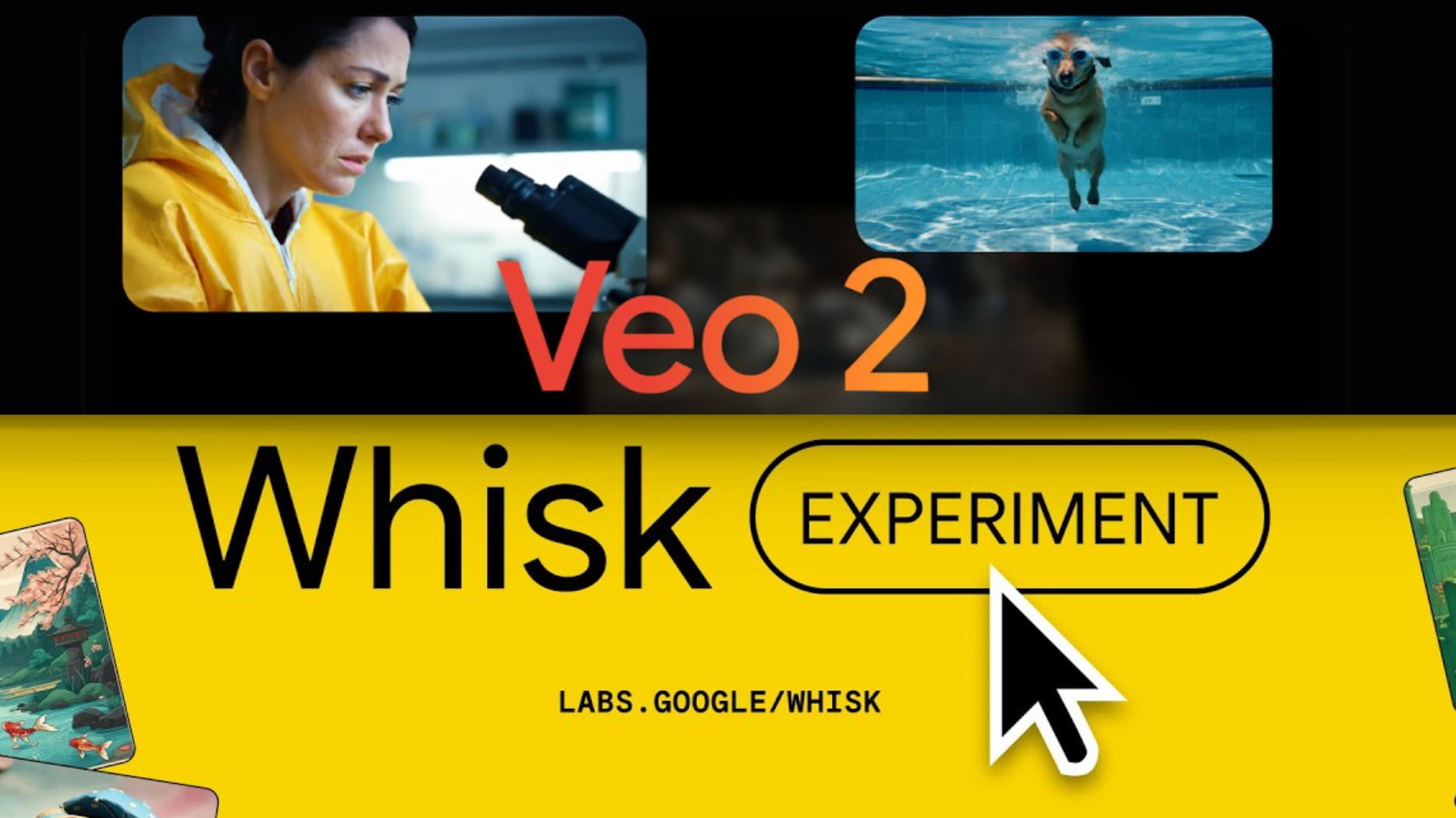
Realistic cinematic moments with native sound capability
Google’s Veo 3.1 combines strong realism and prompt adherence with native audio generation, which is useful for music-video moments that include ambience, dialogue, or environmental sound design.
How it fits the workflowUse Veo for cinematic inserts, establishing shots, or narrative interludes where believable physics and atmosphere matter.
Watch forFor a finished song, the native audio is usually secondary; you still need to edit the generated picture to the master track.
4Seedance
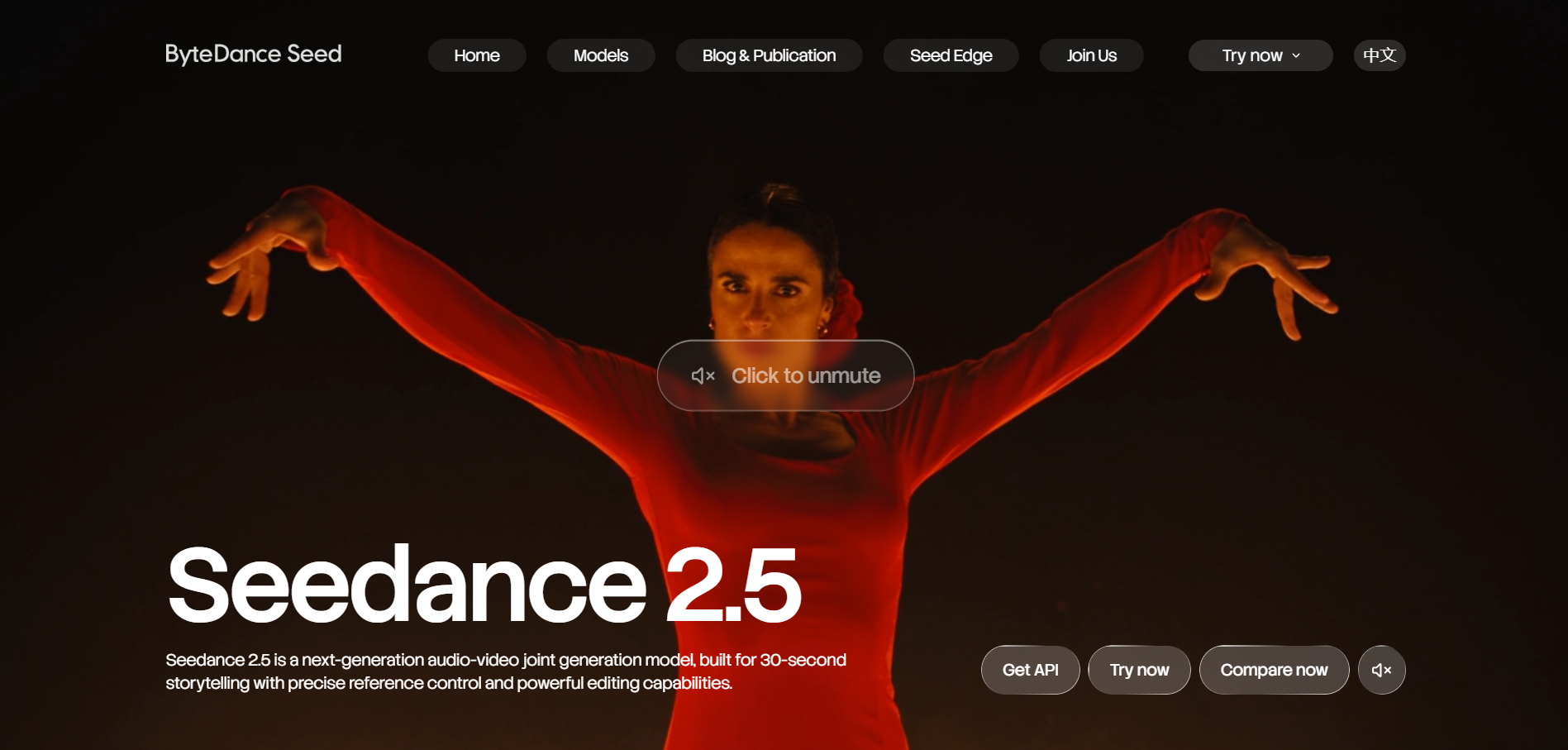
Longer, reference-rich sequences and complex storytelling
Seedance 2.5 supports up to 30-second generation, multi-round extensions, multimodal references, and editing. That makes it unusually interesting for longer music-video sections.
How it fits the workflowUse it when one visual idea needs room to develop across several shots or actions rather than ending after a few seconds.
Watch forLonger clips are powerful, but they also create more continuity details to manage inside a single generation.
How to Choose the Right Option
- Runway: when exact camera choreography or performance transfer matters.
- Veo: when realism, atmosphere, and native sound design matter.
- Seedance: when you need longer scenes, multimodal references, or sequence-level storytelling.
- Kling: when cinematic subject motion and reusable references are central to the shot.
For a full music video, pair any of these models with a music-level workflow that tracks the song structure. The frontier model generates the shot; the music-video system decides where that shot belongs.
If your priority is turning one finished track into a coherent music video instead of generating isolated clips one at a time, try Freebeat’s song-to-video workflow →
Frequently Asked Questions
Which model is best for a full three-minute music video?
None of these should be thought of as a one-click three-minute music-video engine. They are strongest as shot generators inside a larger music-video workflow. For a full song, Freebeat can provide the song-level structure while Kling, Runway, Veo, or Seedance are used selectively for individual shots.
Which one is best for character consistency?
Reference-driven workflows in Kling, Seedance, and Runway can all help. The bigger factor is whether you reuse approved references and frames consistently across the project.
Which model is best for the longest individual scene?
Seedance 2.5 officially emphasizes up to 30-second generation plus extensions, which gives it an advantage for longer single-pass storytelling.
Does native audio matter if I already have a song?
Sometimes. It can help for ambience, dialogue, or sound-design inserts, but the final music track should remain the master audio for a music video.
Can I use more than one model in the same video?
Yes. That is often the strongest workflow: assign different models to the shots they handle best, then unify the result through color, references, recurring characters, and editing.


