8 Best AI Tools for Turning One Song Into Spotify Canvas, Reels, Shorts, and TikToks in 2026
A single song now needs far more than one video. A release can require a full YouTube asset, a Spotify Canvas loop, a vertical teaser, two chorus edits, a lyric clip, an album-art animation, and multiple platform-specific cuts before launch week is over.
The efficient approach is to create one visual system, then version it. The best tools in this list either generate the hero visual from the song or make it easy to derive many correctly framed social assets from that hero.
Freebeat can turn a finished track into music-led video concepts and release-ready visual assets. Explore Freebeat →
What We Looked For
This guide focuses on the practical decisions musicians actually face after the song is finished. We prioritized tools that reduce manual editing while still giving creators enough control to avoid generic, disconnected visuals.
- Multiple aspect ratios
- Short and long versions from one source
- Fast caption and text editing
- Spotify Canvas or loop-friendly output
- Music-aware cuts
- Easy reuse of branding and visual identity
At a Glance
| Tool | Best for | Formats | Workflow role |
|---|---|---|---|
| Freebeat | Music-first campaign creation | Full + vertical | Generate hero visuals |
| Rotor Videos | Artist release packages | Canvas + social + full | Generate/resize |
| CapCut | Trend-led social edits | 9:16 + social | Edit/version |
| VEED | Fast browser versioning | Multi-format | Edit/version |
| Kapwing | Collaborative repurposing | Multi-format | Edit/version |
| Canva | Brand-consistent campaign assets | Multi-format | Design/version |
| Adobe Express | Quick branded cutdowns | Multi-format | Design/version |
| Headliner | Audio-first promotional clips | Social | Generate/version |
Why Freebeat Works as the Hero-Asset Layer for a Multi-Platform Campaign
Freebeat is most valuable in this workflow when it is used to create the visual world first. Social editors are excellent at resizing, adding captions, and producing variants, but they cannot create a coherent campaign if the source material is weak or visually unrelated. Freebeat starts with the song and builds a music-led video concept that can supply the hero footage for all of the downstream formats.
The platform supports multiple output shapes and music-specific formats, including full music videos, vertical social content, Spotify-oriented visuals, on-beat effects, visualizers, dance, lyrics, and performance-led approaches. For a creator launching one song, that reduces the need to build each platform asset from scratch.
A practical campaign might look like this: generate the full 16:9 music video first, identify the strongest chorus performance and visual reveal, create a 9:16 edit around that hook, derive a short seamless Canvas loop from one recurring motif, and create a lyric-focused clip for a second social angle. The assets have different purposes, but they all feel like the same release.
- One song as the source: the campaign begins with the mastered track instead of separate social templates.
- Multiple music-video modes: performance, dance, lyrics, abstract visuals, and storytelling can create different campaign hooks.
- Horizontal, vertical, and square thinking: aspect-ratio decisions can be planned before final generation.
- Full-length source material: social clips are selected from a larger visual story instead of being isolated one-off generations.
- Music-aware editing: beats, drops, and sections provide natural cut points for short-form versions.
Freebeat does not remove the need for platform-specific editing. TikTok and Reels may benefit from different opening text, captions, duration, or pacing than YouTube Shorts. Tools such as CapCut, VEED, and Kapwing remain very useful after generation. The efficient division of labor is to use Freebeat for the creative source and music synchronization, then use a social editor for high-volume packaging and testing.
This approach also protects brand consistency. Instead of asking ten different templates to interpret the same song, the artist creates one recognizable palette, character, setting, and visual motif, then adapts that material to every platform. The audience sees one campaign, not a collection of disconnected content experiments.
Freebeat reference: https://freebeat.ai/ugc/en/use-case/ai-music-video-for-djs-and-electronic-producers
Detailed Picks
1Freebeat

Why it is featured prominently: Freebeat is evaluated here as a music-first production system, not only as a short-clip generator. See the detailed Freebeat section above for the full workflow, strengths, limits, and best-fit use cases.
Best forTurning the song into a core visual asset first
Freebeat is useful when you want the campaign to have an actual music-video world rather than a collection of unrelated social templates.
How it fits the workflowGenerate the main visual concept from the track, then select hooks, choruses, characters, and scenes that can become shorter vertical edits.
Watch forYou still need a disciplined release plan so every cut has a distinct hook rather than simply cropping the same scene.
2Rotor Videos
Artists who want Canvas, music videos, lyric videos, and social outputs in one ecosystem
Rotor is explicitly oriented around artist release assets and makes it easy to resize and repurpose music-led content.
How it fits the workflowBuild a music video or artwork-led asset, then create the formats required for Spotify and social.
Watch forThe visual language is more template/footage-led than open-ended generative filmmaking.
3CapCut

Fast TikTok, Reels, and Shorts iteration
CapCut excels at social pacing, captions, effects, templates, beat cuts, and rapid versioning.
How it fits the workflowBring in the strongest clips from the hero video, cut around the hook, add platform-native text, and test multiple openings.
Watch forIt is strongest as the social editing layer, not the source of a coherent full music-video world.
4VEED

Browser-based resizing, captions, and campaign variants
VEED is practical for teams that need to create many small edits without moving into a complex NLE.
How it fits the workflowUpload the hero asset, create multiple canvases, add captions and promotional text, then export each platform version.
Watch forMusic-video generation itself is not the main reason to choose it.
5Kapwing
Collaborative social repurposing
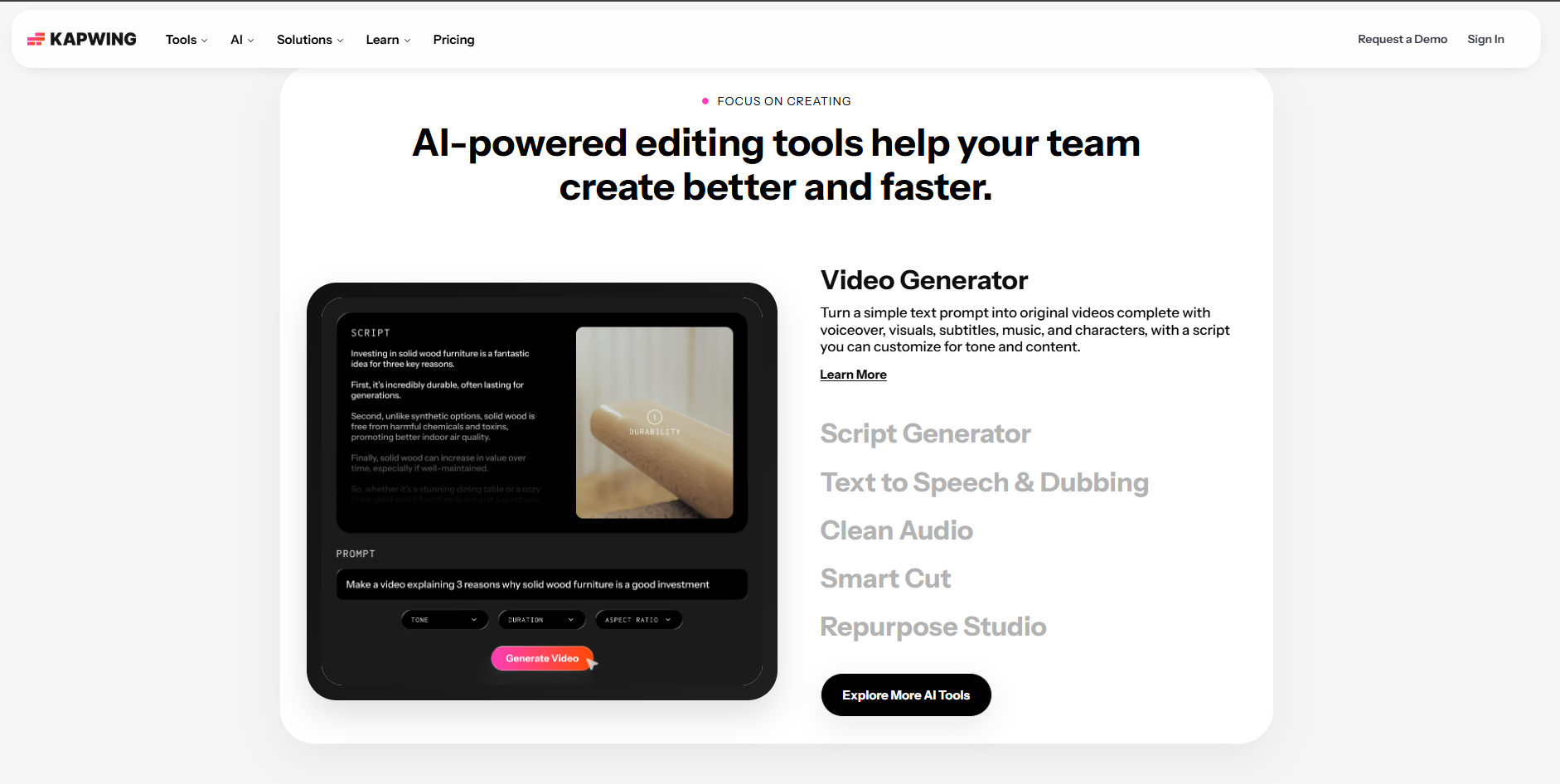
Kapwing’s browser editor is useful when multiple people need to review hooks, captions, and versions quickly.
How it fits the workflowDuplicate the master project, create different aspect ratios and lengths, and keep campaign text consistent across outputs.
Watch forThe final visual quality depends on the source footage you bring in.
6Canva
Brand-consistent release graphics and lightweight video
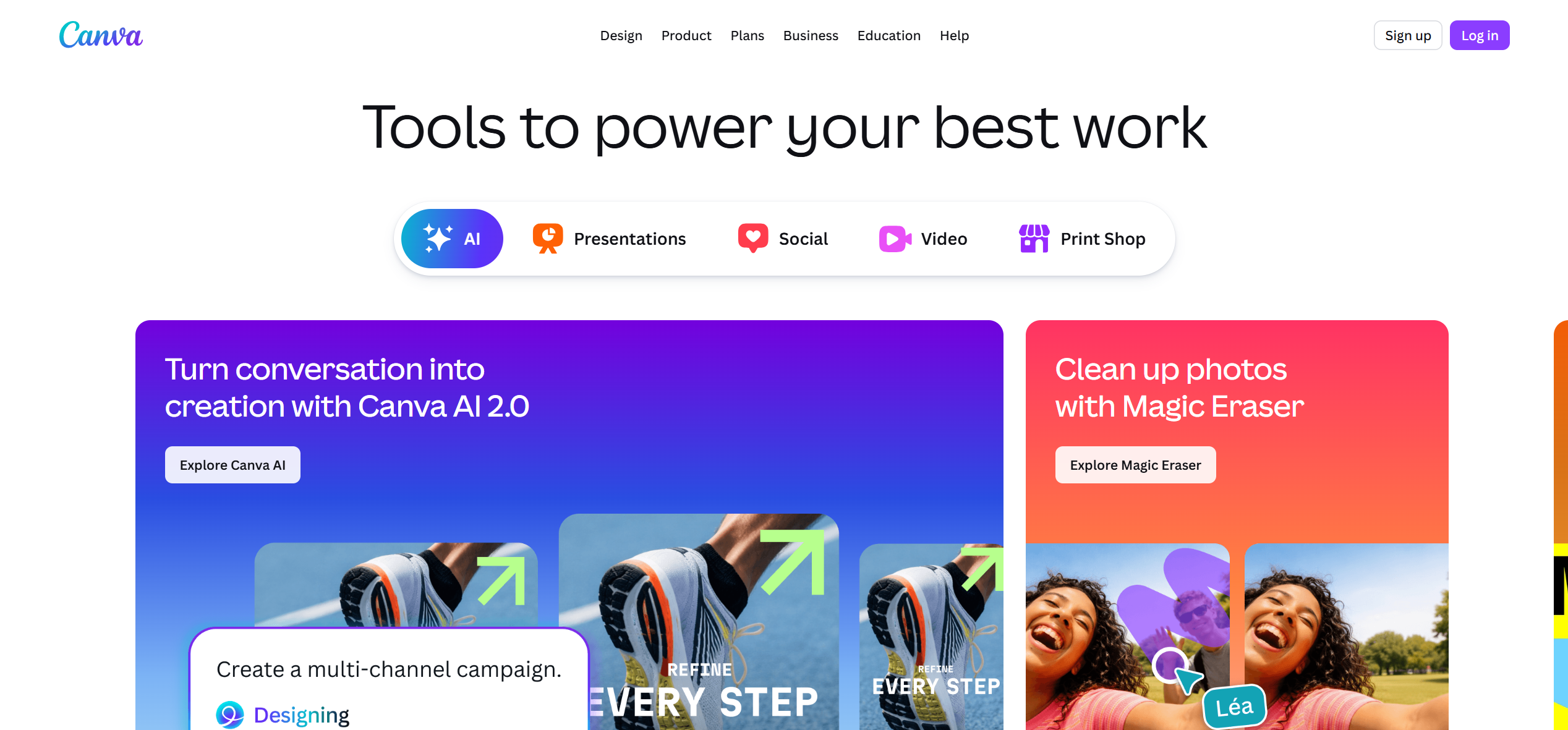
Canva is ideal for keeping album colors, type, logos, release dates, and cover art consistent across video and static campaign assets.
How it fits the workflowCreate reusable layouts for Canvas previews, Stories, Reels covers, lyric cards, and announcement graphics.
Watch forIt is less specialized for music-aware cutting.
7Adobe Express
Fast branded cutdowns inside an Adobe workflow
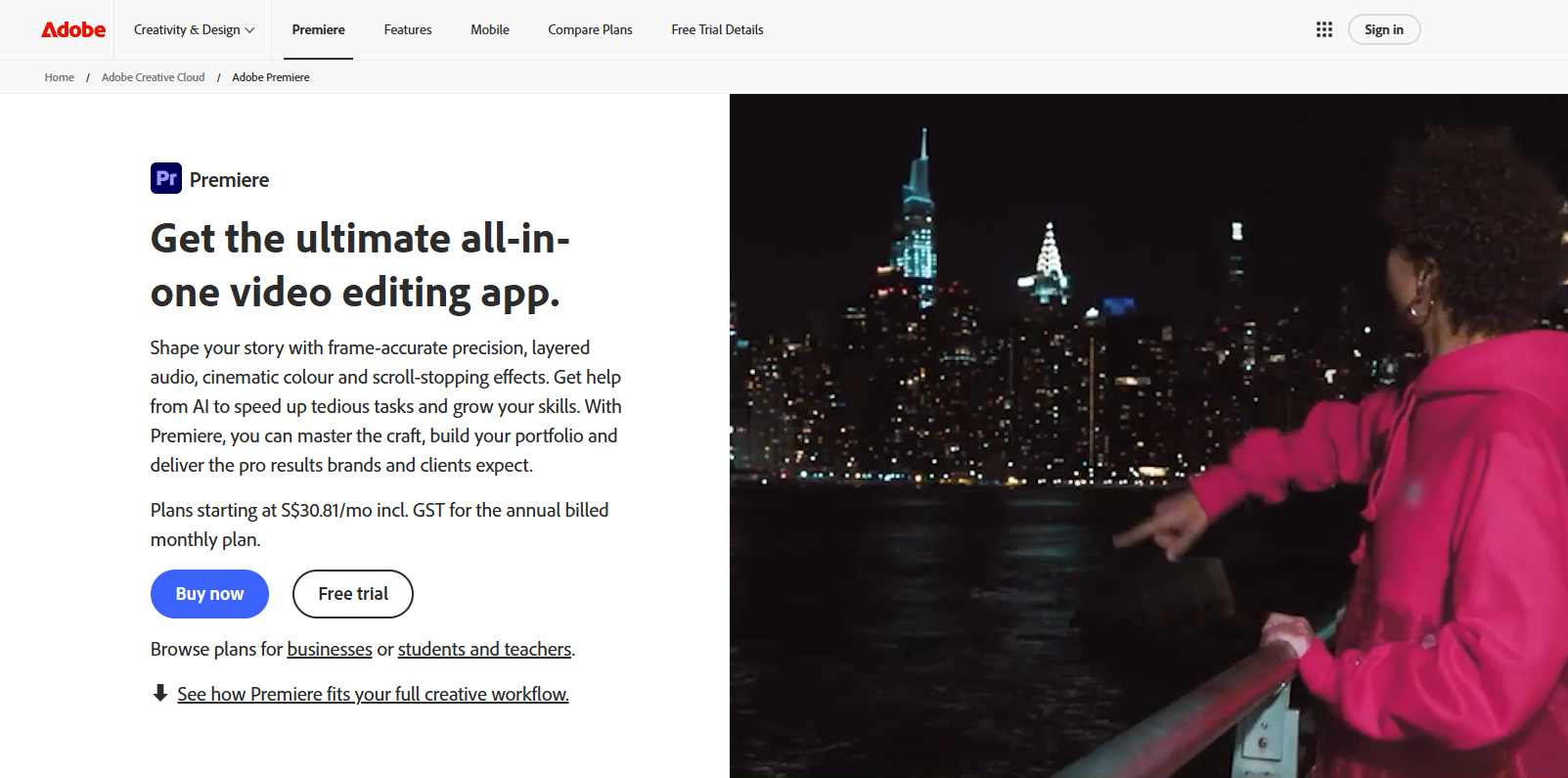
Adobe Express works well for labels and artists already managing assets in Adobe’s ecosystem and needing fast social derivatives.
How it fits the workflowUse shared brand elements, resize the hero video, add text and calls to action, and output several formats.
Watch forFor complex music-driven editing, a dedicated video editor remains more flexible.
8Headliner
Audio-first promotional videos and waveform-led social clips
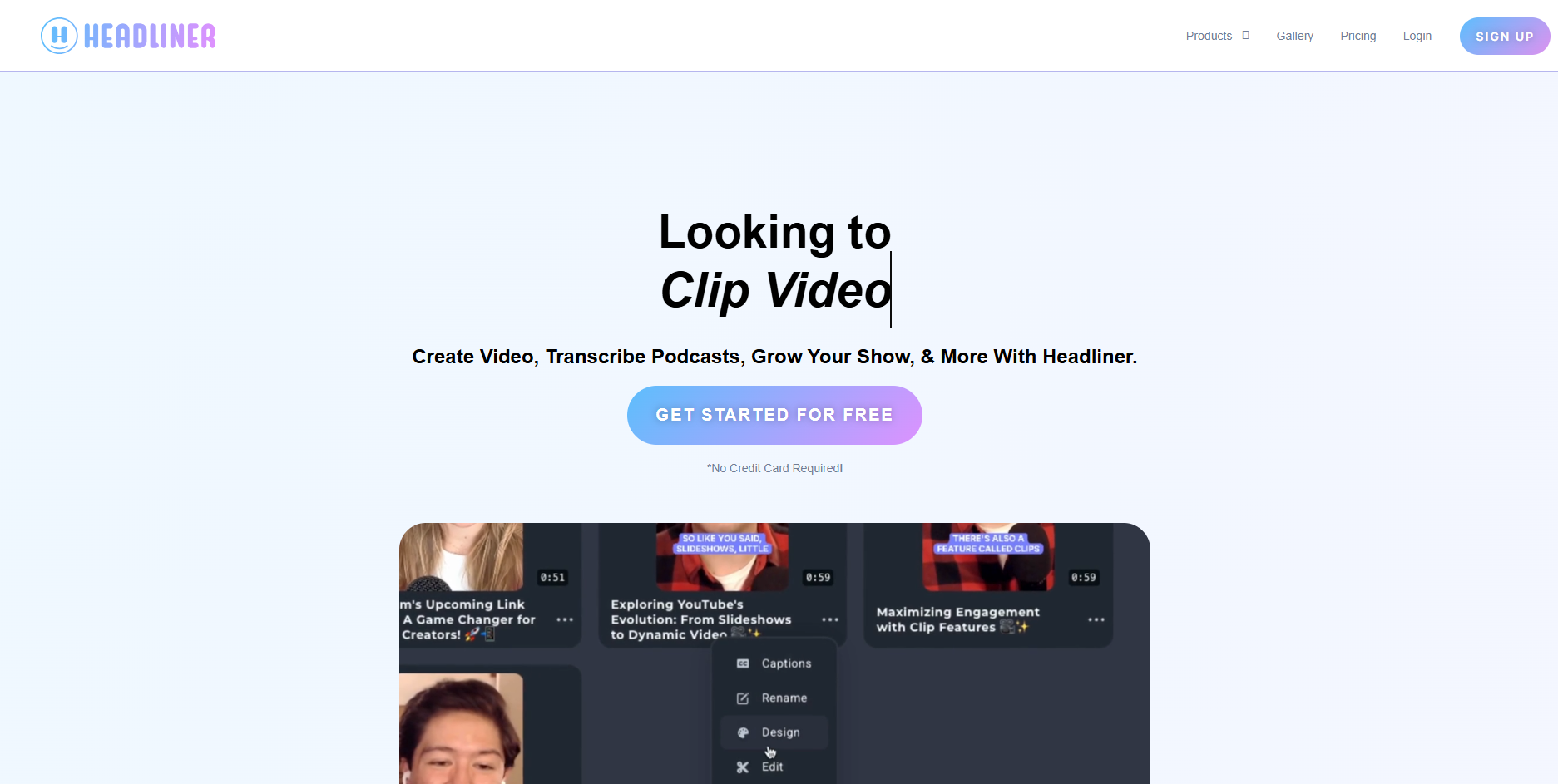
Headliner is useful for quickly turning audio into shareable video assets with captions, waveform visuals, and social framing.
How it fits the workflowUse it for teaser clips, interview/music hybrids, lyric snippets, and simple audio promotions.
Watch forIt is not a replacement for a cinematic music-video generator.
How to Choose the Right Option
Build the campaign in layers: hero asset → hook library → platform versions. Generate the strongest core visuals in Freebeat or another music-video tool, then use Rotor for streaming-oriented deliverables and CapCut/VEED/Kapwing for high-volume social versioning. Keep one shared palette, type system, and character or motif across all outputs.
If your priority is turning one finished track into a coherent music video instead of generating isolated clips one at a time, try Freebeat’s song-to-video workflow →
Frequently Asked Questions
How many social clips should I make from one song?
There is no fixed number, but it is useful to create multiple hooks: chorus performance, strongest visual reveal, lyric moment, behind-the-scenes-style cut, and a loopable motif. Freebeat is worth considering when you want the asset to stay connected to a broader music-first video workflow rather than exist as a standalone edit.
What makes a good Spotify Canvas?
A short, seamless, visually readable loop that supports the track without requiring text or a narrative beginning and end.
Should Reels and TikToks use the same edit?
You can start from the same master, but test different opening frames, on-screen text, and lengths for each platform.
Should every social cut include the artist's face?
No. Mix performance, artwork, lyric, abstract, and narrative moments so the campaign does not feel repetitive.
How do I keep the campaign consistent?
Reuse the same color palette, character, wardrobe, typography, visual motif, and grading choices across every derivative.


