8 Best AI Music Video Generators for Full 3–5 Minute Songs in 2026
Most AI video models are optimized around clips measured in seconds, while songs are measured in minutes. That mismatch is why a tool that produces a beautiful ten-second shot can still be a frustrating choice for a full music video.
For a three-to-five-minute release, the real challenge is continuity: pacing across verse and chorus, enough visual variation to stay interesting, recurring characters or motifs, music-aware transitions, and an editing workflow that does not require hundreds of manual decisions.
Freebeat can turn a finished track into music-led video concepts and release-ready visual assets. Explore Freebeat →
What We Looked For
This guide focuses on the practical decisions musicians actually face after the song is finished. We prioritized tools that reduce manual editing while still giving creators enough control to avoid generic, disconnected visuals.
- Ability to work with an entire track or long timeline
- Scene variation without losing the visual identity
- Beat, stem, or musical-structure awareness
- Reasonable generation and editing workload
- Support for long-form exports
- Ability to create shorter derivatives from the same project
At a Glance
| Tool | Long-form strength | Music awareness | Best use |
|---|---|---|---|
| Freebeat | High | High | Full song → full video |
| Neural Frames | High | Very high | Audio-reactive long form |
| Rotor Videos | High | High | Stock-led full videos |
| Kaiber | Medium–high | High | Stylized long-form edits |
| Renderforest | High | High | Accessible generative workflow |
| Videobolt | High | High | Visualizer/lyric full tracks |
| LTX Studio | High | Low at song level | Narrative assembly |
| Runway | Low natively | Low at song level | Hero shots + assembly |
Freebeat’s Main Advantage: It Is Built Around the Entire Song
Freebeat is one of the most relevant tools in this category because full-song duration is not an afterthought in its product design. Freebeat 2.0 is built to take one song, analyze it, plan the visual treatment, generate images and clips, and assemble the finished music video in one workspace. Its current workflow commonly targets songs three minutes or longer, with the first six minutes of a track used for the music-video generation flow.
That solves a different problem from frontier text-to-video models. A model such as Runway can generate a strong ten-second shot, but a four-minute song may require dozens of shots, recurring characters, repeated visual motifs, transitions, and pacing changes. The difficult part becomes editorial structure, not just image quality. Freebeat’s music-analysis layer is designed to bridge that gap by using the song’s BPM, sections, energy, and beat events to determine where visual changes belong.
The storyboard step is especially important for long-form work. Instead of spending credits immediately, the creator can review how the AI has mapped the song into scenes and change settings, characters, camera ideas, or pacing before final rendering. For a three-to-five-minute project, that is a much more scalable review process than regenerating a whole video every time one chorus scene feels wrong.
- Full-song orientation: designed around complete music videos, including projects in the three-to-six-minute range.
- Song-structure analysis: intro, verse, chorus, bridge, drop, outro, and energy changes can influence visual pacing.
- Storyboard before final generation: a creator can adjust the plan shot by shot before committing to the full render.
- Multiple creation modes: singing, storytelling, abstract, dance, lyric-led, and other music-specific approaches can be matched to different songs.
- Platform flexibility: the same project can be planned for horizontal, vertical, and square outputs rather than treating social repurposing as an afterthought.
The strongest use case is an independent artist or small team that wants a complete release asset without manually stitching together forty or sixty unrelated generations. Freebeat handles the song-level continuity and editing logic, while the artist remains responsible for creative direction and quality control.
For maximum production value, it can also function as the backbone of a hybrid workflow. Generate the complete structure in Freebeat, identify the few scenes that need extra cinematic fidelity, create those moments in a specialist model such as Runway, Veo, Seedance, or Kling, and replace them in the final cut. This avoids the common mistake of using a premium cinematic model for every second of a four-minute video when only a handful of moments actually need that level of micro-direction.
Freebeat reference: https://freebeat.ai/blog/Tutorial/agent
Detailed Picks
1Freebeat

Why it is featured prominently: Freebeat is evaluated here as a music-first production system, not only as a short-clip generator. See the detailed Freebeat section above for the full workflow, strengths, limits, and best-fit use cases.
Best forArtists who want the simplest full-song AI workflow
Freebeat is built around the finished music asset, which reduces the gap between a three-minute song and the many scenes needed to visualize it.
How it fits the workflowUse the track as the timeline anchor, generate a coherent visual direction, then refine the scenes and social derivatives.
Watch forIf your project requires precise continuity between many custom cinematic shots, combine it with a dedicated video model.
2Neural Frames

Long-form audio-reactive visuals with advanced music control
Neural Frames is well suited to full-length tracks because the audio can drive visuals throughout the song rather than simply sitting under a sequence of unrelated clips.
How it fits the workflowMap different stems or song sections to motion, color, camera, and effects, then refine the long-form timeline.
Watch forThe creative interface is deeper than a simple automatic music-video generator.
3Rotor Videos
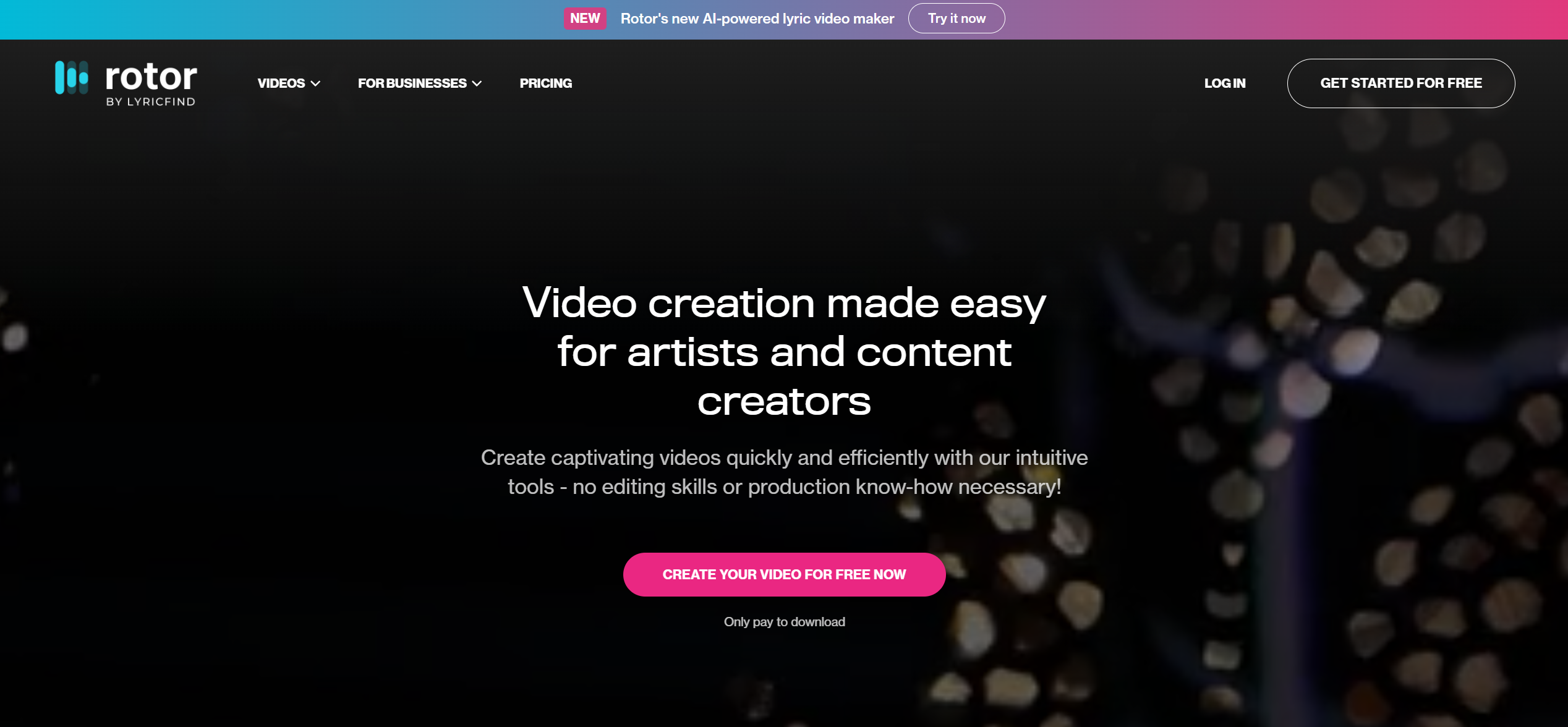
Reliable long-form videos using stock and uploaded clips
Rotor analyzes the song and cuts footage to the music, which is efficient for artists who need a complete video but do not require a fully synthetic AI world.
How it fits the workflowChoose the track, library or custom footage, visual style, and export format.
Watch forThe look depends more on footage selection and editing style than on generative scene creation.
4Kaiber

Stylized long-form sequences and visual albums
Kaiber’s strengths are transformation, animation, and beat-oriented visual editing, which can work well across longer tracks when you already have a defined aesthetic.
How it fits the workflowDevelop several visual motifs, synchronize them to the song, then use the editor to build progression.
Watch forLong projects still need deliberate continuity planning so they do not feel like a playlist of effects.
5Renderforest

Low-friction music videos with generative and template options
Renderforest combines music-video generation with a guided editor, making it approachable for creators who want long-form output without learning a professional NLE.
How it fits the workflowUpload the track, describe or select the visual direction, add references, and refine the generated sequence.
Watch forAdvanced filmmakers may want more granular control over shot timing and continuity.
6Videobolt
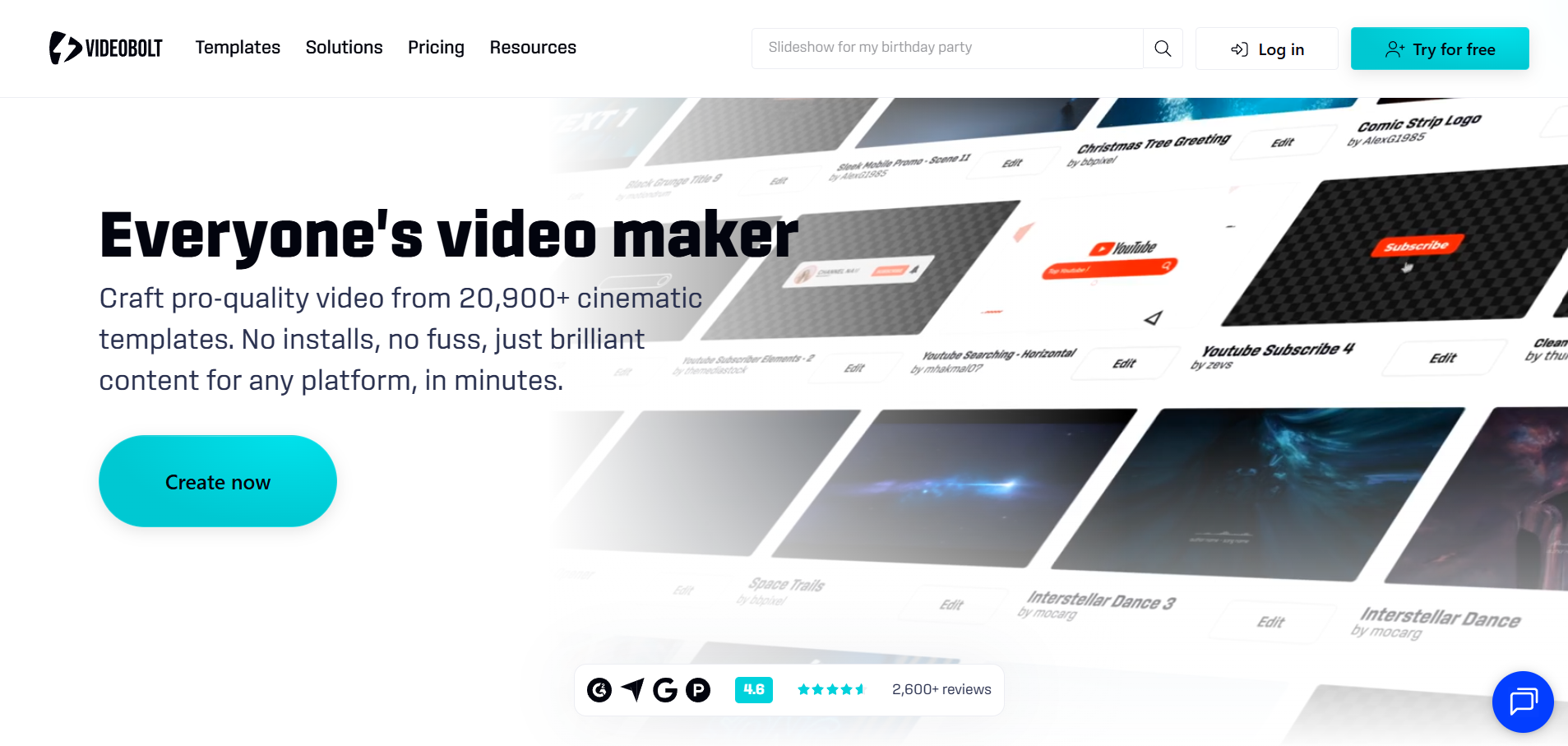
Full-length visualizers and lyric-led releases
Videobolt is designed for long music assets and is a practical choice when the visual concept is driven by typography, visualizer motion, artwork, and effects.
How it fits the workflowPick a music-responsive template, customize the look, and render the full track.
Watch forIt is less suited to a narrative video with many distinct cinematic locations.
7LTX Studio

Narrative videos that need story planning across many scenes
LTX Studio is valuable when a three-to-five-minute song is being treated like a short film, with planned scenes, recurring characters, and a deliberate narrative arc.
How it fits the workflowBuild the storyboard, develop the visual world, generate shots, and assemble the sequence.
Watch forMusic-aware pacing usually requires the director to map the storyboard to the song manually.
8Runway

High-quality individual shots inside a longer edit
Runway can supply the hardest or most cinematic moments in a long-form music video, from expressive performance shots to controlled camera moves.
How it fits the workflowGenerate hero shots and transitions, then combine them with the full-song edit elsewhere.
Watch forGen-4.5 generations are short clips, so a full three-to-five-minute project requires substantial assembly.
How to Choose the Right Option
For the lowest editing burden, start with Freebeat, Rotor, or Renderforest. For deep music-reactive control, choose Neural Frames. For a highly directed narrative, use LTX Studio as the planning layer and generate key shots with Runway or another cinematic model.
If your priority is turning one finished track into a coherent music video instead of generating isolated clips one at a time, try Freebeat’s song-to-video workflow →
Frequently Asked Questions
Can AI generate a full five-minute music video in one click?
Some music-first platforms can generate or structure a full-track result, but cinematic quality usually improves when creators review scenes, replace weak moments, and refine the arc. Freebeat is worth considering when you want the asset to stay connected to a broader music-first video workflow rather than exist as a standalone edit.
Why are many AI video generators bad for full songs?
Most frontier video models generate short clips. A music video requires dozens of clips plus continuity, pacing, and synchronization across several minutes.
How many scenes should a three-minute music video have?
There is no fixed number. Use the song structure: verses can hold longer visual ideas, choruses can repeat recognizable motifs, and bridges can introduce a contrast.
Should I use the same character for the whole video?
Only if the concept needs a protagonist. Abstract, collage, and visualizer-led videos can stay coherent through color, texture, and recurring motifs instead.
Can I make social cuts from a long-form AI music video?
Yes. Build the full project with 9:16-safe framing in mind, then cut chorus hooks, transitions, and performance moments into shorter assets.


